Best Products UK
In-depth review · 10 products ranked

Best Computer Monitors of 2026

Last reviewed 18 May 2026 by Best Products UK Editorial Team

The UK monitor market on Amazon splits cleanly: Samsung's Odyssey curved-gaming line at the premium-gaming tier, ASUS / HP for office desk setups with USB-C and height-adjust, and a mass of AOC / MSI / Philips IPS panels covering the budget-to-mid-range office tier. We've narrowed the line-up to ten monitors worth considering in 2026 and ranked them by what you'll actually do at the desk — gaming, daily productivity, dual-monitor setups, and the budget-tier basics for kids' homework and second-screen use. Click through to Amazon for the live UK price.

BP
Best Products UK Editorial Team
Editorial team
Published 30 April 2026
11 min read
Advertisement. As an Amazon Associate, Best Products UK earns from qualifying purchases. This article contains affiliate links. If you buy a product through one of these links, we earn a commission from the retailer at no extra cost to you. Our ranked picks are made independently of these commercial arrangements — read how we rank and our full affiliate disclosure. Prices on Amazon change frequently — always click through to verify the current price before buying.
At a glance

The 3 picks worth skipping ahead for

How we tested

Best Products UK is a review aggregator, not a test lab. For this guide we read long-form reviews from Wired UK, RTINGS, Trusted Reviews, Tom's Guide UK, T3 and Rock Paper Shotgun. We weighted each monitor by (a) cross-reviewer agreement on panel quality (colour accuracy, viewing angles, contrast), (b) refresh rate and response time for gaming vs office use, (c) stand ergonomics (height-adjust + tilt + swivel matters more than buyers expect), and (d) port selection — USB-C with power delivery is now a productivity essential. Scores reflect editorial confidence. We do not display Amazon prices on this page — monitor prices swing on Prime sale events. Always click through to Amazon for the live UK price.

Jump to a pick
Best Overall
01
Samsung Odyssey G5 LC34G55TWWPXXU 34-inch 1000R Curved Gaming Monitor (165Hz)
Samsung

Odyssey G5 LC34G55TWWPXXU 34-inch 1000R Curved Gaming Monitor (165Hz)

9.6
/ 10
Exceptional

The Samsung Odyssey G5 is the gaming-monitor pick reviewers consistently rank as the strongest UK mid-range buy. 34-inch ultrawide format (1440p WQHD on a 1000R curved panel) is the most immersive single-monitor setup short of multi-screen rigs, 165Hz refresh rate handles modern PC gaming cleanly, and adaptive sync prevents tearing. Samsung's UK service network and the brand-tier durability data make it the safest premium-tier gaming pick. The ultrawide aspect ratio is genuinely useful for productivity too — three vertical document columns at once, or two windows side-by-side without alt-tabbing. The trade-off is desk depth: at 34-inch ultrawide, you need a desk at least 80cm deep for proper viewing distance.

Why we love it
  • 165Hz refresh rate for smooth gaming
  • 34-inch ultrawide 1000R curved
  • Adaptive sync for tear-free play
  • Samsung UK service network
Watch out for
  • Needs an 80cm+ deep desk
  • Premium-tier price
  • Stand is the weakest aspect — limited adjustment
Size
34-inch ultrawide
Resolution
3440 × 1440 (WQHD)
Refresh rate
165Hz
Panel
VA, 1000R curved
Adaptive sync
FreeSync + G-Sync compatible
Also at Currys · Argos
Premium Pick
02
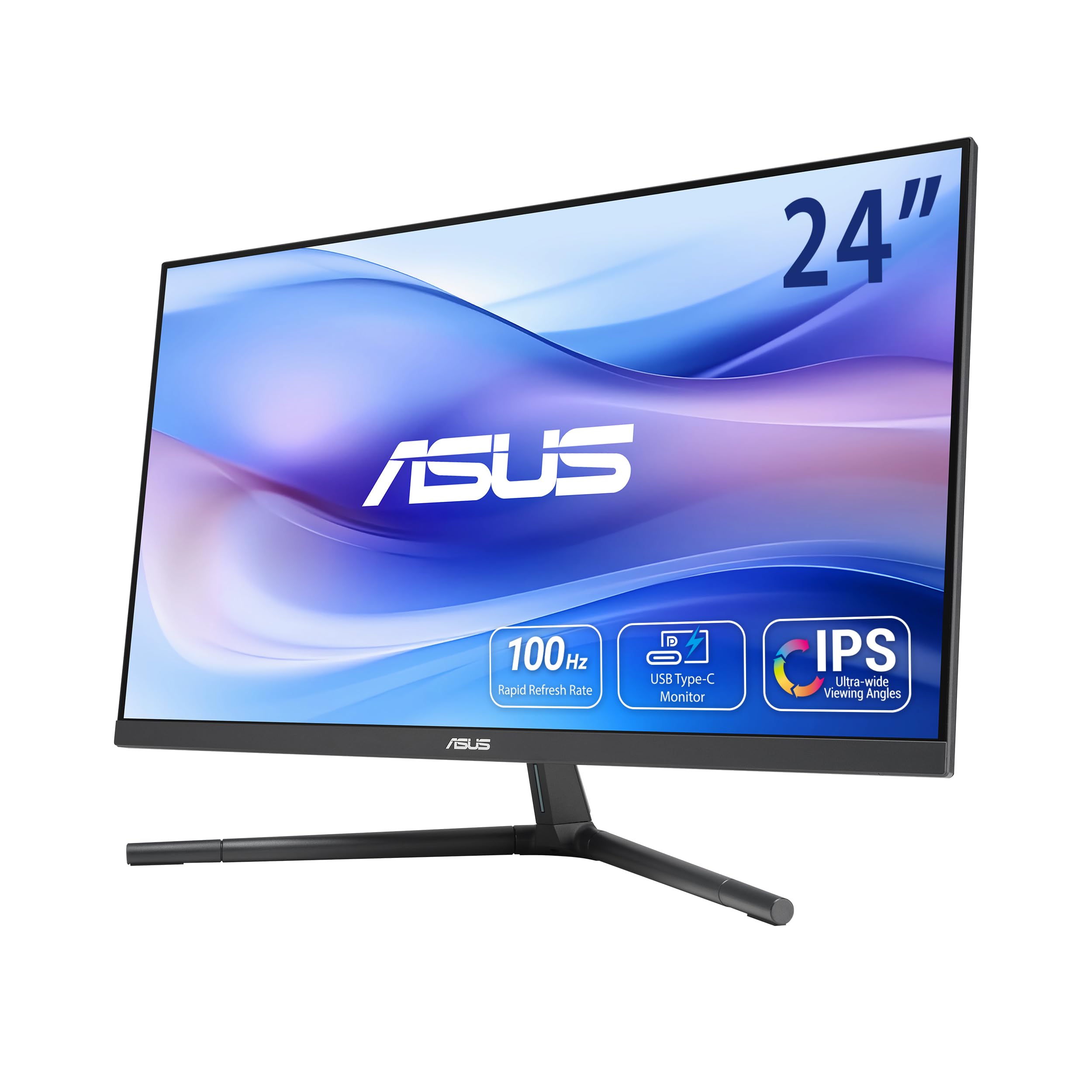
ASUS VU249CFE Eye Care Monitor (USB-C 65W, 100Hz, Tilt-Pivot-Swivel)
ASUS

VU249CFE Eye Care Monitor (USB-C 65W, 100Hz, Tilt-Pivot-Swivel)

9.3
/ 10
Excellent

The ASUS VU249CFE is the office-first pick that solves the modern laptop-to-monitor problem. 24-inch FHD IPS panel with 100Hz refresh (smooth for office and casual gaming), USB-C with 65W power delivery (charges most laptops including MacBook Pro 14-inch through a single cable), and the tilt-pivot-swivel-height-adjust stand is genuinely the best on this list. Eye Care anti-flicker is medically meaningful for buyers who spend 8+ hours daily at a screen. Reviewers consistently rank ASUS's USB-C monitors as the most polished mid-range productivity option. For hybrid workers and laptop-first setups, this is the right call.

Why we love it
  • USB-C with 65W power delivery
  • Full tilt-pivot-swivel-height stand
  • Eye Care anti-flicker (medical-grade)
  • 100Hz IPS for casual gaming
Watch out for
  • 24-inch — limited screen real estate
  • FHD only (no QHD option)
  • Premium-tier price for office use
Size
24-inch
Resolution
1920 × 1080 (FHD)
Refresh rate
100Hz
Panel
IPS Eye Care
USB-C PD
Yes (65W)
Also at Currys · John Lewis
03
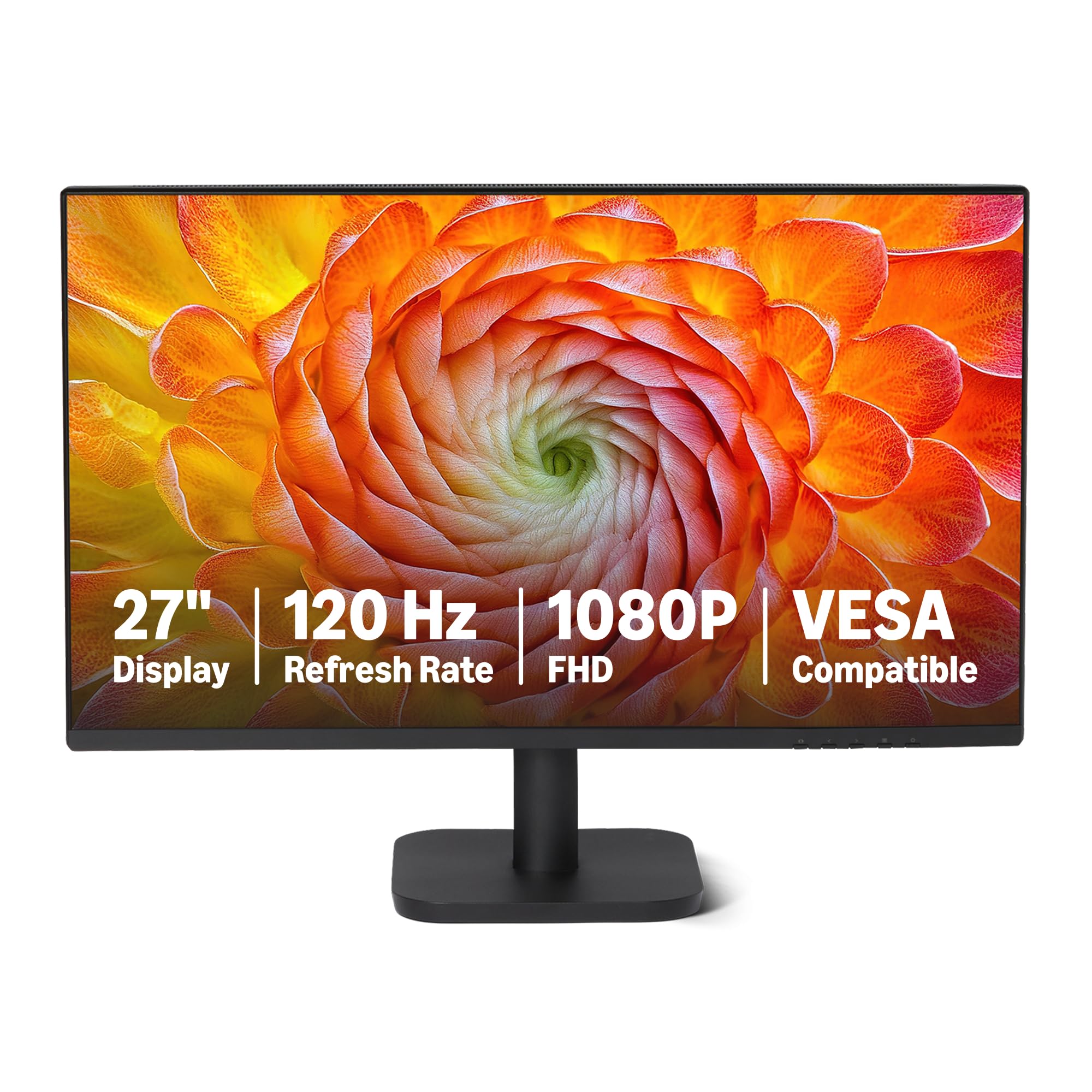
Amazon Basics 27-inch Computer Monitor (120Hz FHD with HDR)
Amazon Basics

27-inch Computer Monitor (120Hz FHD with HDR)

8.8
/ 10
Very Good

The Amazon Basics 27-inch is the standout budget pick on UK Amazon. 27-inch IPS with 120Hz refresh and HDR support — at a price tier where most rivals offer 60Hz and no HDR. UK Amazon long-term reviews average 4.8 stars across thousands of reviews. Amazon's own-brand monitors have built a credible reputation over the last 3 years; this isn't the entry-level cheap monitor it was at launch. For buyers who want a 27-inch with smooth refresh at a value-tier price, this is the right call. Trade-off is the stand (basic tilt-only, no height adjustment) and HDR effectiveness is limited at the FHD resolution.

Why we love it
  • 120Hz at value-tier price
  • 27-inch IPS panel
  • HDR support
  • Strong UK Amazon review consensus
Watch out for
  • Stand is tilt-only (no height adjust)
  • HDR effectiveness limited on FHD
  • No USB-C
Size
27-inch
Resolution
1920 × 1080 (FHD)
Refresh rate
120Hz
Panel
IPS
HDR
Yes (basic)
04
HP Series 5 23.8-inch FHD Monitor (524sh, Height Adjustable)
HP

Series 5 23.8-inch FHD Monitor (524sh, Height Adjustable)

8.5
/ 10
Very Good

HP's Series 5 is the business-style mid-tier office monitor. 23.8-inch FHD IPS, 100Hz refresh, height-adjustable stand, HP's UK service network. Build feels genuinely office-grade — the kind of monitor you see in corporate offices and government buildings. For hybrid workers who want a 'proper' desk setup with height-adjust ergonomics, this is the right call. Less feature-rich than the ASUS VU249CFE (no USB-C-PD) but cheaper at the same panel quality. UK reviewer consensus is positive.

Why we love it
  • Height-adjustable stand
  • HP UK service network
  • 100Hz IPS
  • Office-grade build quality
Watch out for
  • No USB-C with PD
  • FHD only
  • Basic colour gamut
Size
23.8-inch
Resolution
1920 × 1080 (FHD)
Refresh rate
100Hz
Panel
IPS
Stand
Height-adjust + tilt
Also at Currys · John Lewis
Value for Money
05
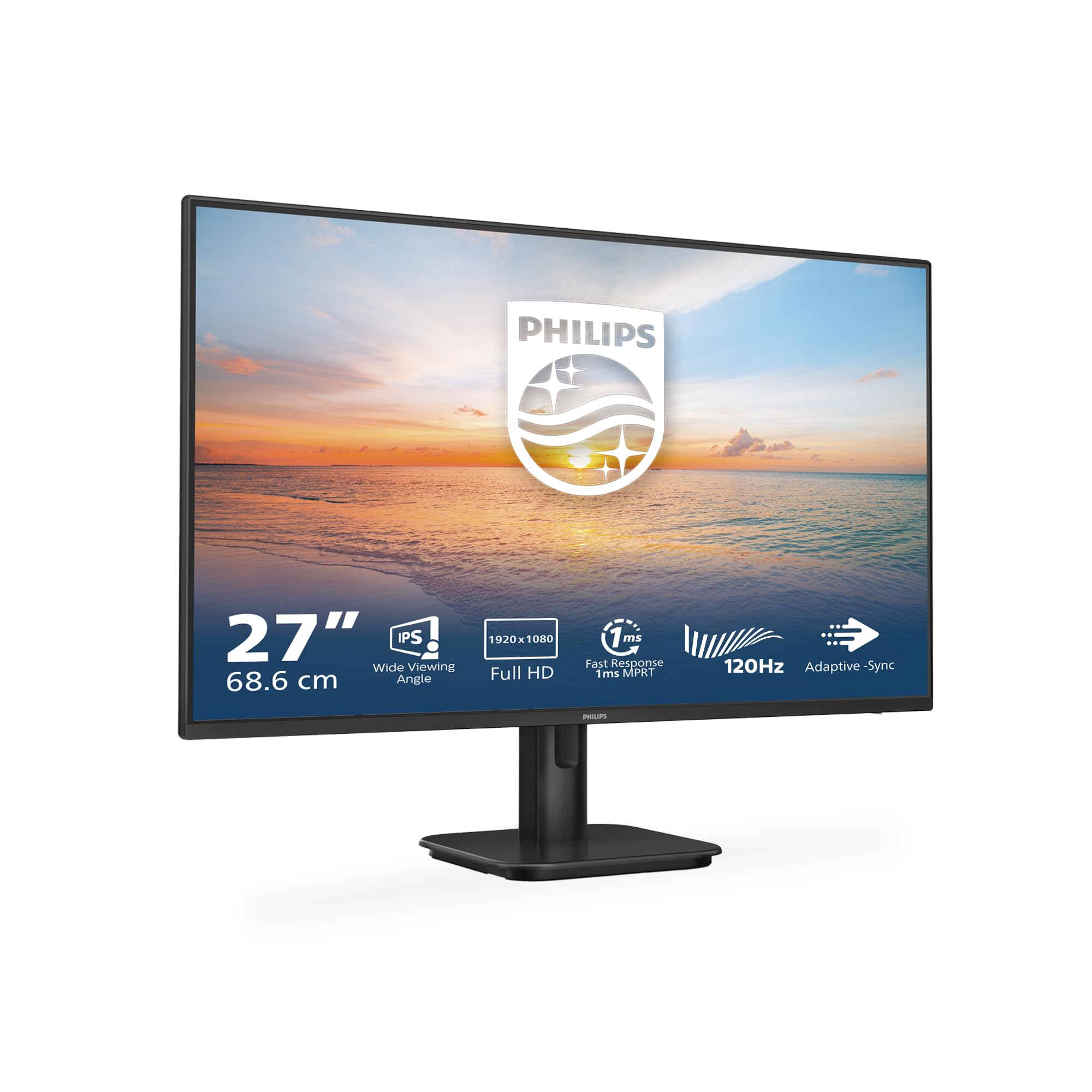
Philips 27E1N1100A 27-inch FHD Monitor (100Hz IPS)
Philips

27E1N1100A 27-inch FHD Monitor (100Hz IPS)

8.3
/ 10
Good

The Philips 27E1N1100A is the value-tier 27-inch IPS for general productivity. 100Hz refresh, 4ms response, built-in speakers (basic but functional for video calls without a headset). Philips's UK consumer-monitor service is solid. The trade-off vs the Amazon Basics 27 is the 100Hz vs 120Hz refresh — meaningful for fast gaming, immaterial for productivity. For office desk use where the monitor will mostly display documents, browsers and code, the Philips is the right call.

Why we love it
  • 100Hz IPS 27-inch
  • Built-in speakers
  • Philips UK service
  • Value-tier 27-inch
Watch out for
  • 100Hz vs 120Hz on Amazon Basics
  • Basic stand (tilt only)
  • No USB-C
Size
27-inch
Resolution
1920 × 1080 (FHD)
Refresh rate
100Hz
Panel
IPS
Speakers
Built-in
Also at Currys · Argos
Buying guide

How to choose a monitor in 90 seconds

Three questions narrow the field to one or two options for any desk.

1.
Gaming or productivity?

Gaming → 144Hz minimum, IPS or fast-VA, ideally with adaptive sync (Samsung Odyssey G5 at rank 1). Productivity → 60-100Hz is fine, IPS for colour accuracy and viewing angles, USB-C with power delivery to charge a laptop one-cable (ASUS VU249CFE at rank 2). Mixed use → ultrawide 34-inch with 100Hz+ (Odyssey G5 covers both). Don't pay for a 165Hz monitor if you'll mostly use it for spreadsheets.

2.
Screen size and resolution?

21-24-inch FHD (1920×1080) → fine for desks with limited depth (kitchen tables, small bedroom desks). 27-inch FHD or QHD → standard sweet spot for productivity. 32-inch and ultrawide (34-inch+) → home office desks with proper depth, dual-monitor replacements. 4K below 27 inches is wasted (you can't see the pixel density advantage at typical viewing distance). 4K on 32-inch+ is genuinely sharper for text-heavy work.

3.
USB-C with power delivery — yes or no?

If you use a laptop (especially a MacBook or USB-C Windows laptop) and the monitor is your main display: yes, USB-C-PD is transformative. One cable charges your laptop, displays the monitor, and connects USB peripherals through the monitor's USB hub. The ASUS VU249CFE (rank 2) is the only USB-C-PD pick on this list. For desktop towers with HDMI / DisplayPort, USB-C-PD isn't needed.

For most UK gaming setups the answer is the Samsung Odyssey G5 34-inch. For office-first setups, the ASUS VU249CFE Eye Care. For budget productivity, the Amazon Basics 27-inch or HP Series 5. Click through to Amazon for the live UK price on each.

06
AOC 27B3HA2 27-inch FHD Monitor (100Hz, FlickerFree)
AOC

27B3HA2 27-inch FHD Monitor (100Hz, FlickerFree)

8
/ 10
Good

AOC's 27-inch FHD IPS is the budget pick for buyers who want 27-inch screen real estate without paying mid-tier prices. 100Hz refresh, 1ms response time (with overdrive), FlickerFree technology for long-session comfort. UK Amazon long-term reviews are favourable. Same trade-offs as the Philips — basic stand, no USB-C — at a slightly lower price tier. For desk setups where the monitor will run 8+ hours daily and the price matters, this is the right call.

Why we love it
  • Sub-tier price for 27-inch IPS
  • 100Hz + 1ms response
  • FlickerFree for long sessions
  • AOC UK availability
Watch out for
  • Basic stand
  • No height adjust
  • Colour gamut below premium
Size
27-inch
Resolution
1920 × 1080 (FHD)
Refresh rate
100Hz
Panel
IPS, FlickerFree
Response
1ms (overdrive)
Also at Currys · Argos
07
MSI PRO MP2412 23.8-inch FHD Office Monitor (VA Panel)
MSI

PRO MP2412 23.8-inch FHD Office Monitor (VA Panel)

7.7
/ 10
Good

MSI's PRO MP2412 is the budget office-spec monitor. 23.8-inch VA panel (better contrast than IPS, weaker viewing angles), 100Hz refresh, anti-glare matte finish. For office-only use where the user will be sat directly in front and contrast on dark content matters more than off-axis viewing, the VA panel is genuinely the better choice. MSI's UK consumer-monitor support is decent. The trade-off vs the IPS rivals is colour accuracy when sharing the screen with someone next to you — VA panels shift colour off-centre.

Why we love it
  • VA panel for better contrast
  • Anti-glare matte
  • 100Hz refresh
  • Office-tuned
Watch out for
  • Worse off-axis colour than IPS
  • 23.8-inch limits multi-window work
  • Basic stand
Size
23.8-inch
Resolution
1920 × 1080 (FHD)
Refresh rate
100Hz
Panel
VA, anti-glare
Use case
Solo office desk
08
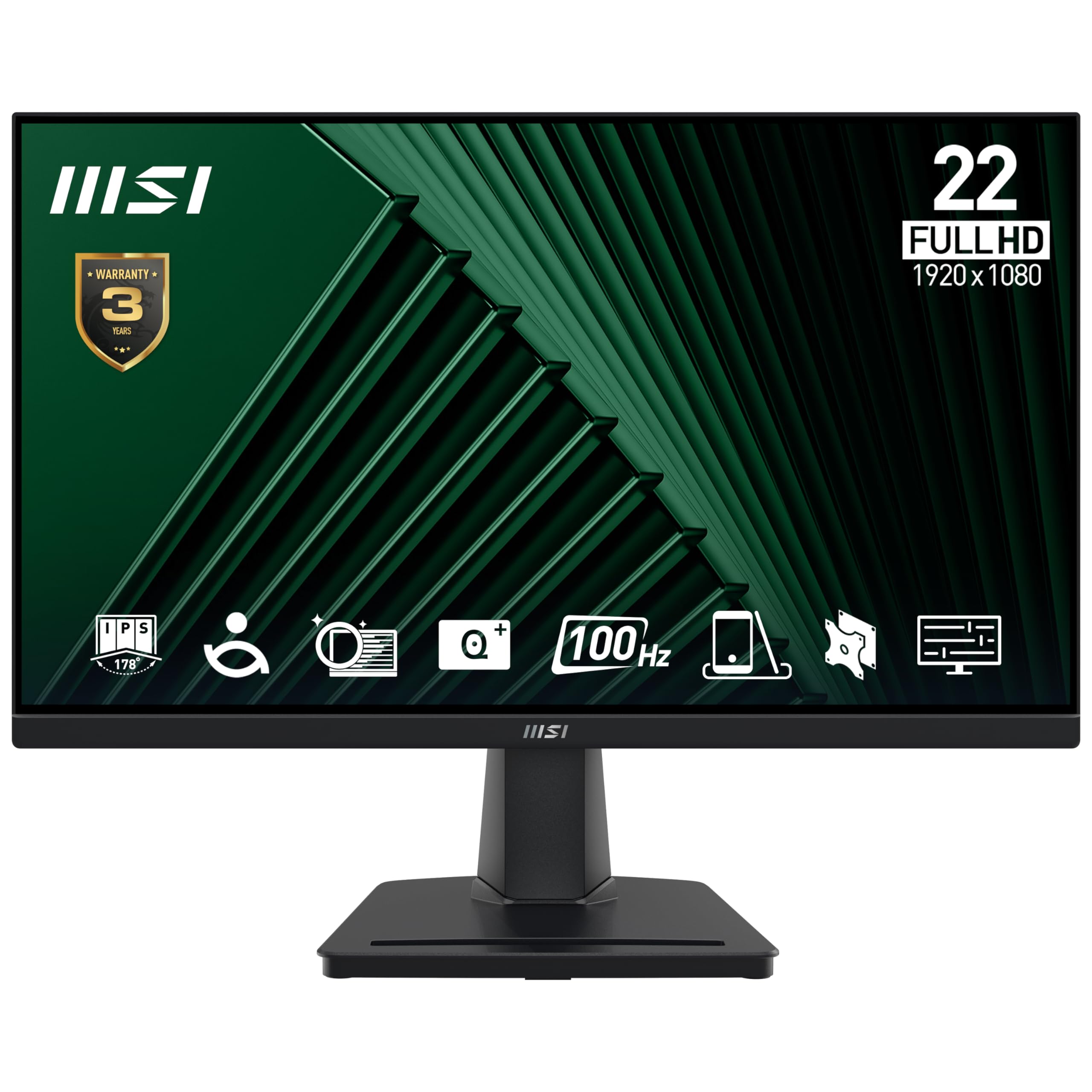
MSI PRO MP225V 21.5-inch FHD Office Monitor (VA Panel)
MSI

PRO MP225V 21.5-inch FHD Office Monitor (VA Panel)

7.5
/ 10
Good

The smaller 21.5-inch sibling of the rank-7 MSI. Same VA panel technology, slightly older platform. 5-star UK Amazon review consensus. For cramped desks, secondary monitors, or kitchen-table office setups where 24-inch+ won't fit, this is the right call. Same VA-panel trade-offs apply — better contrast than IPS but weaker off-axis viewing.

Why we love it
  • 21.5-inch fits cramped desks
  • VA contrast
  • Strong UK Amazon reviews
  • MSI brand support
Watch out for
  • 21.5-inch is small for modern apps
  • Older platform
  • Slower refresh rate
Size
21.5-inch
Resolution
1920 × 1080 (FHD)
Refresh rate
60-75Hz
Panel
VA
Use case
Cramped desks / secondary
09
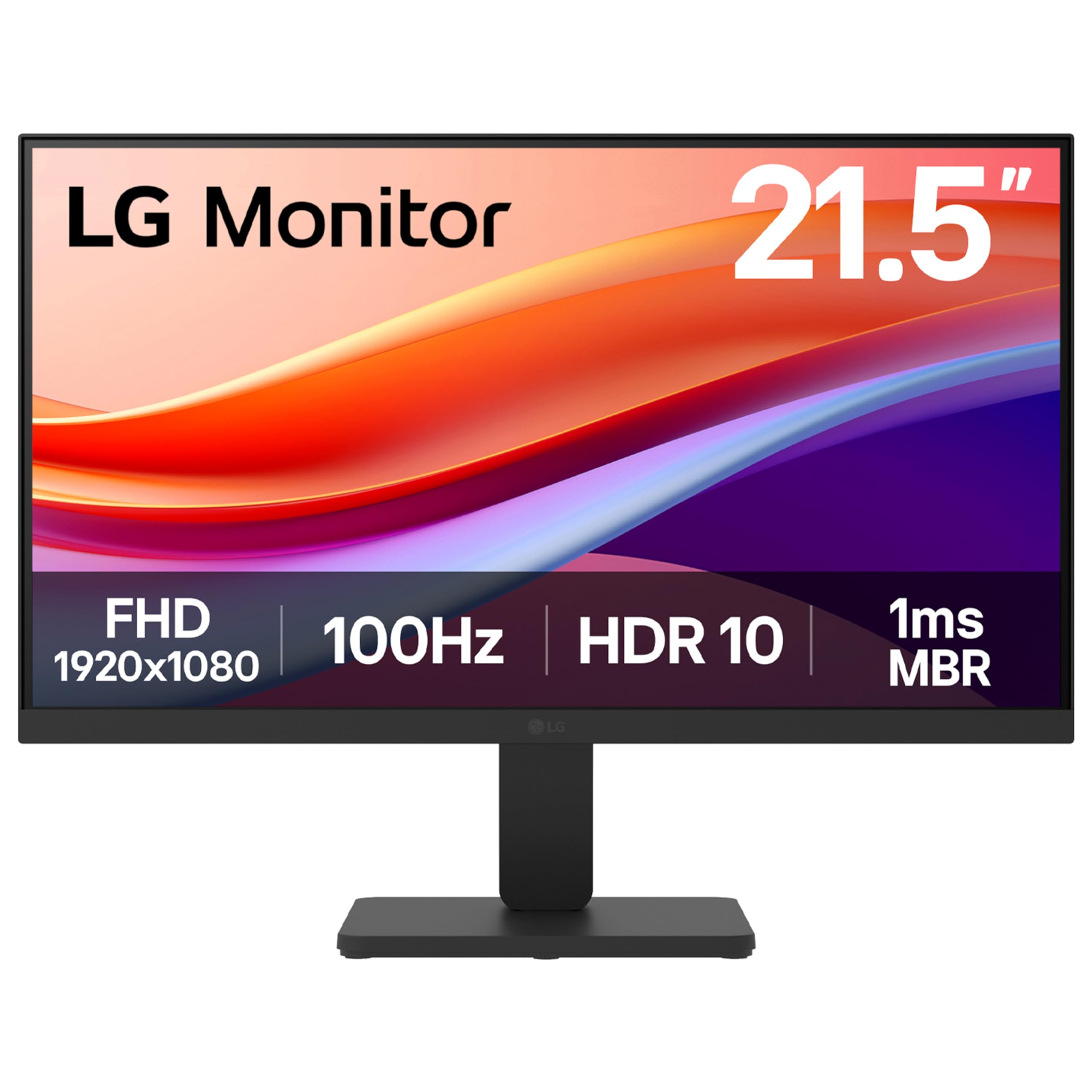
LG 22U401A-B 22-inch FHD Monitor (100Hz IPS)
LG

22U401A-B 22-inch FHD Monitor (100Hz IPS)

7.2
/ 10
Fair

LG's 22-inch FHD IPS is the productivity pick for very small desks. 100Hz IPS panel, LG UK service network, frameless design that makes a 22-inch feel slightly larger. For kids' homework desks, kitchen-table office setups, or as a second monitor in a vertical orientation, this is the right call. Don't expect screen real estate for serious productivity work — 22-inch is genuinely small for modern multi-window workflows.

Why we love it
  • LG UK service at budget tier
  • 100Hz IPS panel
  • Frameless design
  • Compact for small desks
Watch out for
  • 22-inch is cramped for productivity
  • No height adjust
  • FHD on 22-inch limits sharpness gain
Size
22-inch
Resolution
1920 × 1080 (FHD)
Refresh rate
100Hz
Panel
IPS, frameless
Use case
Kids' homework / small desk
Editor's Pick
10
AOC 22B2H 22-inch FHD Monitor (75Hz VA Frameless)
AOC

22B2H 22-inch FHD Monitor (75Hz VA Frameless)

6.9
/ 10
Fair

AOC's 22B2H is the absolute-budget starter monitor. 22-inch VA frameless, 75Hz refresh. Long-running UK Amazon best-seller — on sale for years with consistently positive long-term reviews. For first-monitor purchases, kids' first desk, dorm-room secondary screen or a workshop computer setup, this is the lowest credible entry point on Amazon UK. Don't compare it to the higher-tier picks — it's a different category. Do expect a working monitor with AOC's UK warranty at a meaningfully lower price than anything else credible.

Why we love it
  • Lowest credible monitor price
  • Frameless design
  • AOC UK warranty
  • Long-running proven model
Watch out for
  • 75Hz refresh
  • 22-inch limits workflows
  • Older platform
Size
22-inch
Resolution
1920 × 1080 (FHD)
Refresh rate
75Hz
Panel
VA, frameless
Use case
Starter / dorm / workshop
The verdict

If you only buy one monitor

Reviewer consensus points to the Samsung Odyssey G5 34-inch curved ultrawide for gaming-focused setups and the ASUS VU249CFE Eye Care for office-focused setups. The Odyssey G5 delivers 165Hz QHD on a 1000R curved panel — competitive with much more expensive gaming monitors on practical use, with Samsung's UK service network and a stand that supports proper ergonomics. The ASUS VU249CFE is the office-first pick: 100Hz IPS, USB-C with 65W power delivery (charges a laptop while displaying), and a full tilt-pivot-swivel stand. Both are mid-range price tier; both deliver materially above their price.

At the value tier, the Amazon Basics 27-inch (rank 3) and HP Series 5 (rank 4) are the picks reviewers consistently rank above same-priced rivals. The Amazon Basics 27 specifically — 120Hz FHD with HDR at a budget tier — is unusually generous and has the long-term UK Amazon review consensus to back it up. The HP Series 5 is the safer business-style pick with height-adjust stand and HP UK warranty. Both work for everyday desk use; choice mostly comes down to whether you want 27-inch with 120Hz or 23.8-inch with height-adjust.

At the budget tier, the Philips, AOC and MSI office IPS monitors (ranks 5-9) cover the basic office-desk needs at increasingly lower price points. None of them are gaming monitors; all of them work for spreadsheets, code, web browsing and video calls. The LG 22-inch (rank 9) and AOC 22B2H (rank 10) are the budget-tier 1080p picks for cramped desks, kids' homework setups, or as second monitors for productivity. Don't pay for 4K on a 22-inch screen; don't pay for 144Hz on a monitor you'll use for email.

Frequently asked

Common questions

Gaming or office — does the monitor make that big a difference?
Yes, but probably less than the marketing suggests. A 144Hz+ gaming monitor with low response time is genuinely smoother for fast-paced games (FPS, racing, fighting). For RPGs, strategy games, MOBAs and most modern AAA titles at 60-90fps, a good 100Hz office monitor is more than adequate. For productivity, refresh rate barely matters — colour accuracy and ergonomics matter more. The honest split: gaming monitors waste money for non-gamers; office monitors waste opportunity for serious gamers.
What's the right screen size for a desk?
Match monitor diagonal to viewing distance. 22-24-inch at 50cm (typical laptop-on-desk distance). 27-inch at 65-75cm. 32-inch at 80cm+. Ultrawide 34-inch at 80-90cm. Going bigger than the desk depth allows results in eye strain because you can't see the whole screen without turning your head. 27-inch is the sweet spot for most home offices.
USB-C with PD — is it really worth it?
Yes, if you use a laptop. One cable charges your laptop, displays the monitor, and routes USB peripherals through the monitor's hub. Plug-in / unplug becomes a single cable rather than three. For desktop tower setups, USB-C-PD is unnecessary — HDMI / DisplayPort is fine. The ASUS VU249CFE (rank 2) is the only USB-C-PD pick on this list.
Do I need 4K for a 27-inch monitor?
Not for most uses. 1440p (QHD) on a 27-inch is the genuine sweet spot for productivity and gaming. 4K on 27-inch is materially sharper for text-heavy work (coding, research, document editing) but Windows scaling is still inconsistent — you'll fight scaling settings across apps. For 32-inch+, 4K is genuinely useful. For 27-inch, QHD is the cleaner buy.
Why is there an Amazon Basics monitor on this list?
Because at the price tier, it genuinely delivers better spec than the named-brand rivals — 120Hz IPS with HDR is unusual at the budget tier, and the UK Amazon long-term review consensus (4.8 stars across thousands of reviews) is unusually strong. Amazon's own-brand monitors have built credibility over the last 3 years and are now a defensible recommendation. The trade-off is brand-service support — limited to Amazon's standard return policy, no extended manufacturer warranty.
BP
About the editor

Best Products UK Editorial Team

Best Products UK is an independent UK product-review aggregator. Our editorial team synthesises hands-on reviews from leading UK consumer publications — Which?, Wired UK, T3, Tom's Guide UK, Trusted Reviews, TechRadar, Good Housekeeping, Expert Reviews, Stuff and others — into clear, ranked top-ten guides for UK shoppers. We do not run a physical test lab. We tell you which products UK reviewers agree on, where they disagree, and which the data says is right for your budget. Our methodology is published openly at /about/#methodology.