Best Products UK
In-depth review · 10 products ranked

Best Gaming Monitors of 2026

Last reviewed 18 May 2026 by Best Products UK Editorial Team

Gaming monitors in 2026 split between OLED at the premium tier (ASUS ROG, LG, MSI — perfect blacks, fastest response, expensive) and high-refresh IPS / VA at the mid-tier (AOC, Philips, Samsung — 180-240Hz, good colour, much cheaper). We've narrowed the Amazon UK line-up to ten monitors worth considering and ranked them by use case — competitive FPS where refresh rate and response time matter most, mixed gaming where colour and contrast share priority, and budget-tier picks for first-monitor purchases. Click through to Amazon for the live UK price.

BP
Best Products UK Editorial Team
Editorial team
Published 30 April 2026
10 min read
Advertisement. As an Amazon Associate, Best Products UK earns from qualifying purchases. This article contains affiliate links. If you buy a product through one of these links, we earn a commission from the retailer at no extra cost to you. Our ranked picks are made independently of these commercial arrangements — read how we rank and our full affiliate disclosure. Prices on Amazon change frequently — always click through to verify the current price before buying.
At a glance

The 3 picks worth skipping ahead for

How we tested

Best Products UK is a review aggregator, not a test lab. For this guide we read long-form reviews from Rock Paper Shotgun, Tom's Hardware UK, RTINGS, TechRadar Gaming and Wired UK. We weighted each monitor by (a) cross-reviewer agreement on real-world refresh-rate smoothness vs spec sheet, (b) response time accuracy (GtG vs MPRT — many manufacturers cite the more flattering metric), (c) panel type appropriate to use case (IPS for colour, VA for contrast, OLED for both), and (d) adaptive-sync compatibility (G-Sync / FreeSync). Scores reflect editorial confidence. Click through to Amazon for the live UK price.

Jump to a pick
Best Overall
01
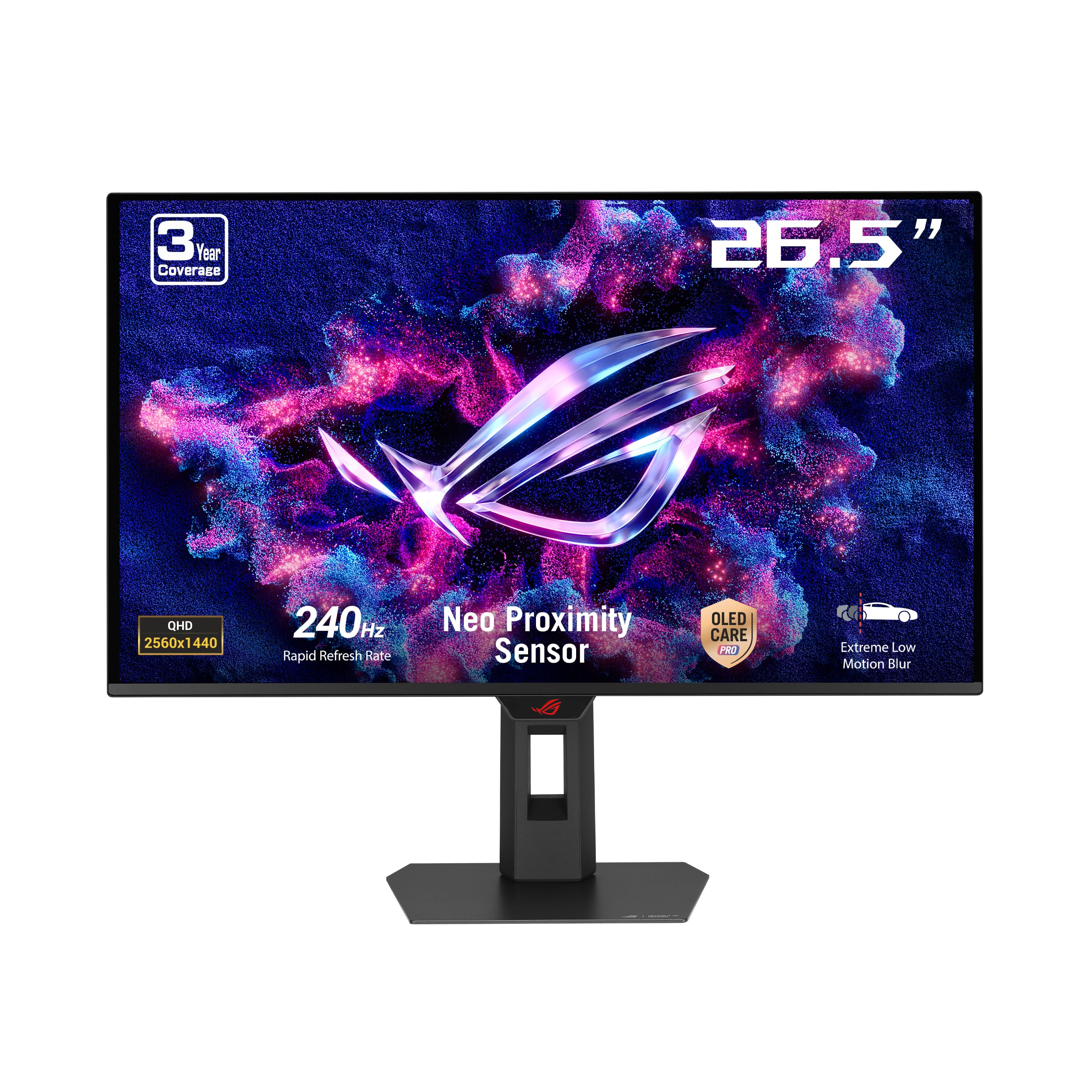
ASUS ROG Strix OLED XG27AQDMES 27-inch 1440p 240Hz Gaming Monitor
ASUS

ROG Strix OLED XG27AQDMES 27-inch 1440p 240Hz Gaming Monitor

9.5
/ 10
Exceptional

ASUS ROG Strix OLED is the gaming monitor reviewers consistently rank as the strongest UK premium-tier pick. 26.5-inch viewable OLED at 1440p resolution with 240Hz refresh — perfect blacks (every pixel individually lit), instant pixel response, G-Sync compatible adaptive sync. RTINGS and Rock Paper Shotgun both rank ASUS ROG OLED panels as the gaming-monitor category leader in 2026. ASUS's UK service network is solid. Trade-off vs IPS rivals is the premium-tier price and OLED's slight burn-in risk for static UI elements (game HUDs, browser tabs left visible long periods).

Why we love it
  • OLED panel — perfect blacks
  • 240Hz refresh + instant response
  • G-Sync compatible
  • 27-inch 1440p sweet spot
Watch out for
  • Premium-tier price
  • Burn-in risk for static UI
  • Needs RTX 4070+ for 1440p 240Hz utilisation
Size
27-inch (26.5" viewable)
Resolution
2560 × 1440 (QHD)
Refresh rate
240Hz
Panel
OLED
Sync
G-Sync compatible + FreeSync Premium
Also at Currys · scan
Premium Pick
02
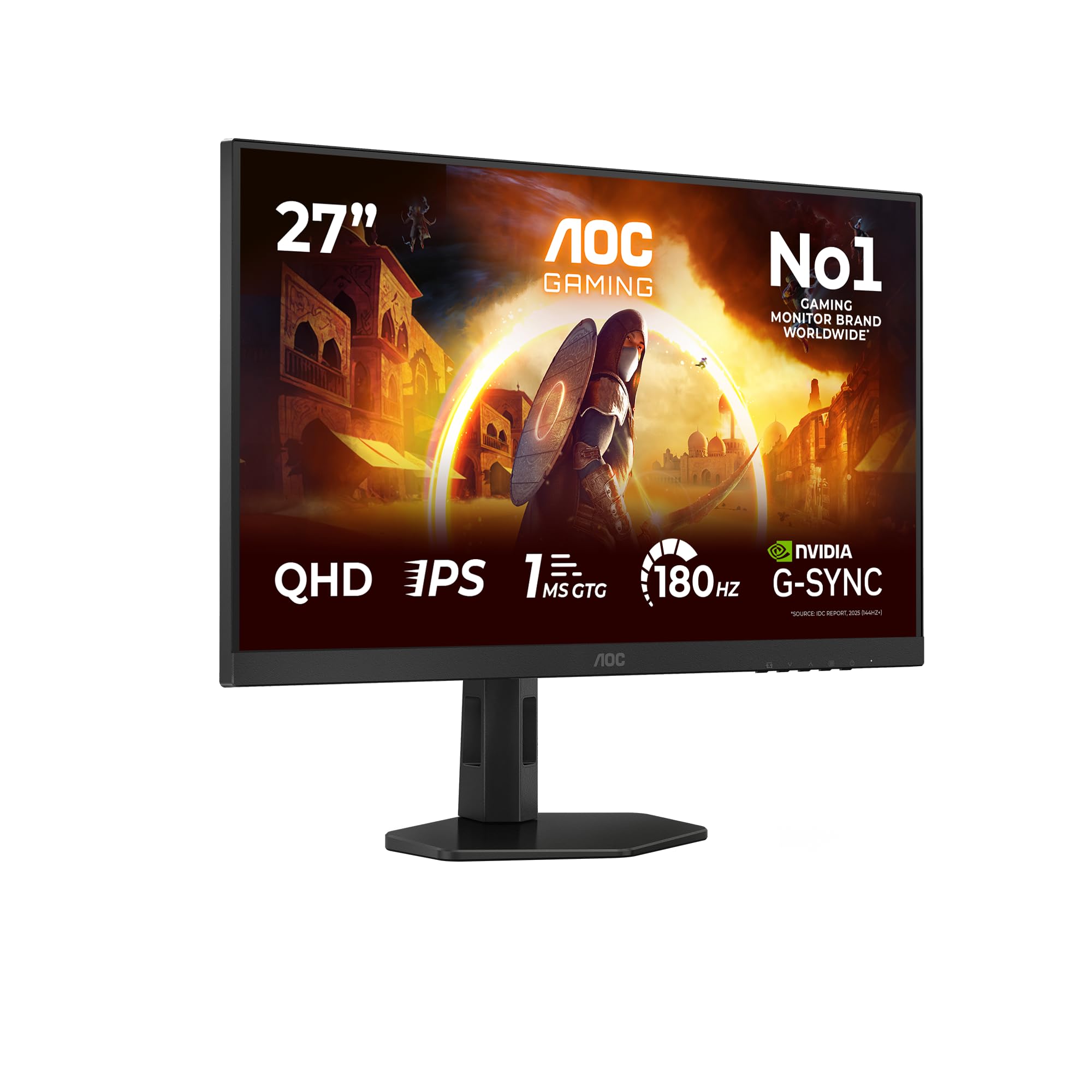
AOC Q27G4XD 27-inch WQHD Gaming Monitor (180Hz, IPS, DisplayHDR 400)
AOC

Q27G4XD 27-inch WQHD Gaming Monitor (180Hz, IPS, DisplayHDR 400)

9.1
/ 10
Excellent

AOC Q27G4XD is the credible non-OLED alternative to the rank-1 ASUS ROG. 27-inch IPS at 1440p WQHD resolution, 180Hz refresh (enough for everything except top-tier competitive FPS), DisplayHDR 400 certification. AOC's UK Amazon presence is strong. For buyers who want 27-inch QHD at high refresh without paying OLED-tier prices, this is the right call. Trade-off vs OLED is the IPS contrast (slightly lower than VA, much lower than OLED) — but 180Hz IPS is genuinely good for both competitive and casual gaming.

Why we love it
  • 27-inch 1440p IPS at 180Hz
  • DisplayHDR 400 certified
  • AOC UK Amazon support
  • Value-tier vs OLED
Watch out for
  • IPS contrast below OLED / VA
  • 180Hz vs 240Hz on ROG
  • Standard stand (no height adjust premium-tier)
Size
27-inch
Resolution
2560 × 1440 (WQHD)
Refresh rate
180Hz
Panel
IPS, DisplayHDR 400
Sync
Adaptive sync
03
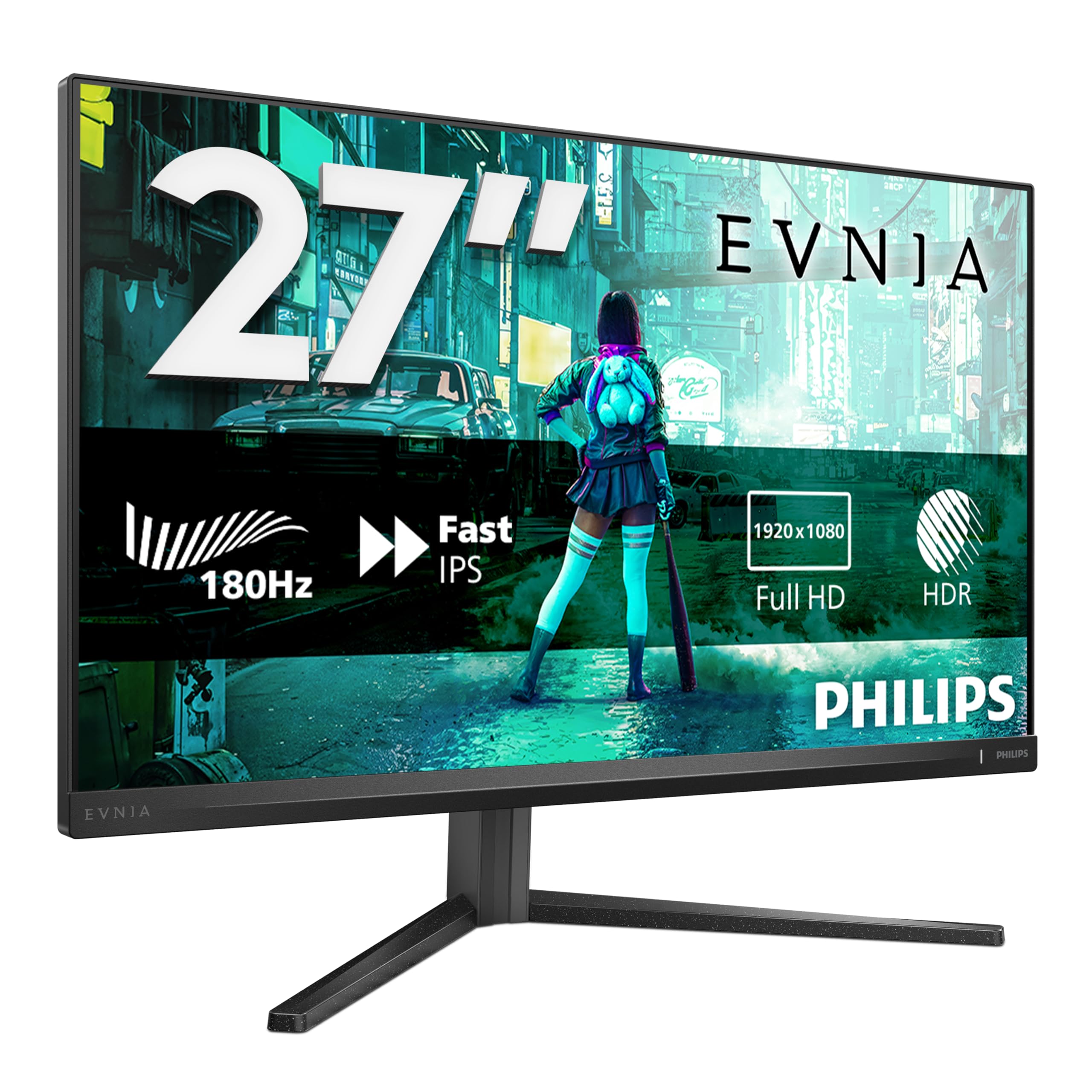
Philips 27M2N3200AM 27-inch FHD Gaming Monitor (180Hz, IPS)
Philips

27M2N3200AM 27-inch FHD Gaming Monitor (180Hz, IPS)

8.8
/ 10
Very Good

Philips 27M2N3200AM is the value-tier 27-inch 180Hz IPS pick. 1080p FHD resolution at 27-inch (lower pixel density than 1440p — text is slightly chunkier but games still look sharp from typical desk distance), 180Hz refresh, adaptive sync. Philips's UK Amazon presence is strong. For budget-tier 27-inch high-refresh gaming, this is the right call. Trade-off vs the rank-2 AOC is the lower QHD resolution — for pure gaming use that matters less than the high refresh, but for productivity it matters more.

Why we love it
  • 27-inch IPS 180Hz at lower tier
  • Adaptive sync
  • Philips UK service
  • FHD = easier GPU requirements
Watch out for
  • 1080p on 27-inch lower pixel density
  • Less productivity-friendly than QHD
  • Basic stand
Size
27-inch
Resolution
1920 × 1080 (FHD)
Refresh rate
180Hz
Panel
Fast IPS
Sync
Adaptive sync
Value for Money
04
AOC Gaming 27G15N 27-inch FHD Gaming Monitor (180Hz, Fast VA, 1ms)
AOC

Gaming 27G15N 27-inch FHD Gaming Monitor (180Hz, Fast VA, 1ms)

8.5
/ 10
Very Good

AOC's 27G15N is the value-tier 27-inch VA at 180Hz. Fast VA panel delivers better contrast than IPS at similar price points (VA's structural advantage on dark scenes — useful for atmospheric / horror games). 1ms response time, 180Hz refresh, 27-inch FHD. AOC's UK Amazon presence is strong. For buyers who want better contrast than IPS at the same budget and play dark-themed games, this is the right call. Trade-off vs IPS is the slightly worse viewing angles.

Why we love it
  • Fast VA — better contrast than IPS
  • 1ms response time
  • 180Hz refresh
  • AOC UK Amazon support
Watch out for
  • VA off-axis viewing weaker than IPS
  • FHD on 27-inch
  • Less productivity-friendly than IPS
Size
27-inch
Resolution
1920 × 1080 (FHD)
Refresh rate
180Hz
Panel
Fast VA
Response
1ms
05
Philips 24M2N3200AM 23.8-inch FHD Gaming Monitor (180Hz, IPS)
Philips

24M2N3200AM 23.8-inch FHD Gaming Monitor (180Hz, IPS)

8.3
/ 10
Good

Smaller 23.8-inch version of the rank-3 Philips. Same fast IPS panel and 180Hz refresh in a smaller form factor that suits cramped desks or competitive setups where smaller screens (4-foot viewing distance) are preferred. UK Amazon long-term reviews average above 4.7 stars. For desks where 27-inch doesn't fit or competitive FPS players who want a smaller screen, this is the right call.

Why we love it
  • 23.8-inch suits competitive setups
  • 180Hz fast IPS
  • Philips UK service
  • Strong UK Amazon review consensus
Watch out for
  • 23.8-inch is small for productivity
  • FHD only
  • Basic stand
Size
23.8-inch
Resolution
1920 × 1080 (FHD)
Refresh rate
180Hz
Panel
Fast IPS
Sync
Adaptive sync
Buying guide

How to choose a gaming monitor in 60 seconds

Three questions narrow the line-up to one option for your setup.

1.
Resolution — FHD, QHD or 4K?

1080p FHD (24-27 inch): playable on mid-range GPUs (RTX 4060 and below), refresh rates can hit 180-240Hz easily. 1440p QHD (27-32 inch): needs RTX 4070+, sweet spot for productivity + gaming. 4K (27 inch+): needs RTX 4080+, 144Hz max practical. Match resolution to your GPU. For competitive FPS at high refresh, 1080p is the right call. For mixed gaming + work, 1440p QHD.

2.
Refresh rate — how high?

60Hz is the baseline (any monitor). 120-144Hz is the noticeable improvement (most modern gaming monitors). 180Hz is the sweet spot for competitive shooters at FHD/QHD. 240Hz is competitive-tier (ROG Strix OLED rank 1). 360Hz+ is pro / streaming-tier (not on this list). For most UK gamers, 144-180Hz is the right call — the difference between 180Hz and 240Hz is much smaller than between 60Hz and 144Hz.

3.
Panel type — IPS, VA or OLED?

IPS (most picks on this list): best colour, wide viewing angles, faster response than VA. VA (AOC 27G15N, some budget picks): best contrast, slower response, deeper blacks than IPS. OLED (ASUS ROG Strix OLED): perfect blacks, fastest response, most colour, premium price + burn-in risk. For competitive FPS, IPS or OLED. For dark-room cinematic gaming, VA or OLED. For productivity + gaming, IPS.

For most UK gamers the answer is the AOC Q27G4XD 180Hz WQHD if budget is a constraint, or the ASUS ROG Strix OLED 27 if it isn't. For 1080p competitive, the Philips 27M2N3200AM or AOC 27G15N. Click through to Amazon for the live UK price.

06
ASUS VY279HGR Eye Care Gaming Monitor (165Hz, IPS)
ASUS

VY279HGR Eye Care Gaming Monitor (165Hz, IPS)

8
/ 10
Good

ASUS VY279HGR is the work-friendly gaming monitor — Eye Care anti-flicker technology, 165Hz refresh, 27-inch IPS. For hybrid workers who game daily and want medical-grade anti-flicker for 8+ hour work sessions, this is the right call. ASUS UK service. Trade-off vs rank-3 Philips is the slightly lower 165Hz refresh (vs 180Hz) and the absence of explicit gaming-feature focus.

Why we love it
  • Eye Care anti-flicker
  • 165Hz IPS
  • ASUS UK service
  • Work + gaming hybrid
Watch out for
  • 165Hz vs 180Hz on rivals
  • Less gaming-specific tuning
  • Premium-tier price for the refresh
Size
27-inch
Resolution
1920 × 1080 (FHD)
Refresh rate
165Hz
Panel
IPS Eye Care
Features
Anti-flicker certified
07
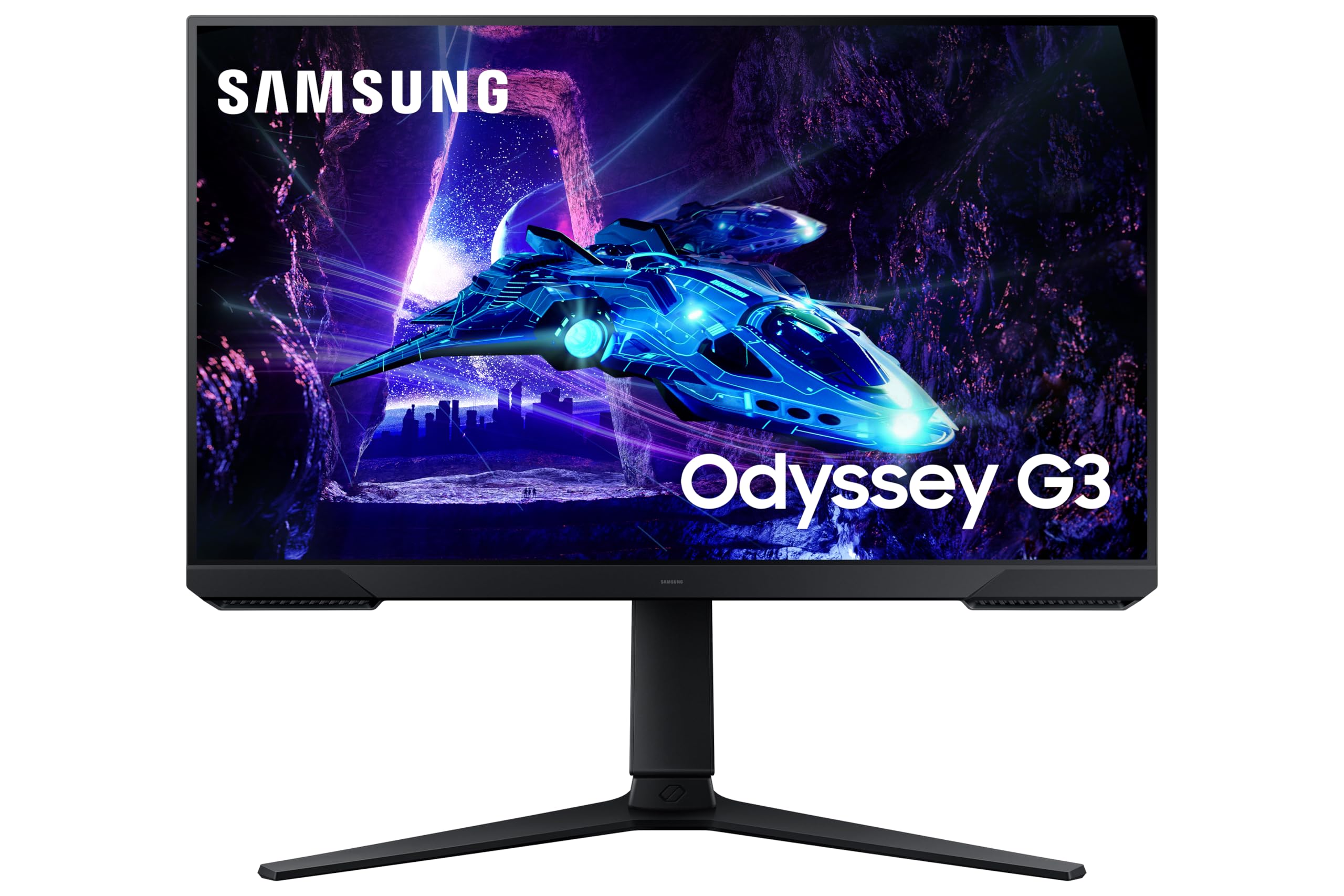
Samsung Odyssey G3 LS24DG302EUXXU 24-inch FHD Gaming Monitor (180Hz, 1ms)
Samsung

Odyssey G3 LS24DG302EUXXU 24-inch FHD Gaming Monitor (180Hz, 1ms)

7.7
/ 10
Good

Samsung Odyssey G3 is the 24-inch competitive-tier gaming monitor. 180Hz refresh, 1ms response, Eye Saver Mode for long sessions. Samsung's UK service network is the strongest in the monitor category. For 24-inch competitive setups (FPS players prefer smaller screens for full field of view), this is the right call. Trade-off vs AOC / Philips at the same size is brand-tier — Samsung's reliability data is strong.

Why we love it
  • Samsung UK service
  • 180Hz + 1ms competitive-tier
  • Eye Saver Mode
  • 24-inch right for competitive
Watch out for
  • 24-inch too small for productivity
  • FHD only
  • Premium-tier price for 24-inch
Size
24-inch
Resolution
1920 × 1080 (FHD)
Refresh rate
180Hz
Response
1ms
Brand
Samsung Odyssey
Also at Currys · Argos
08
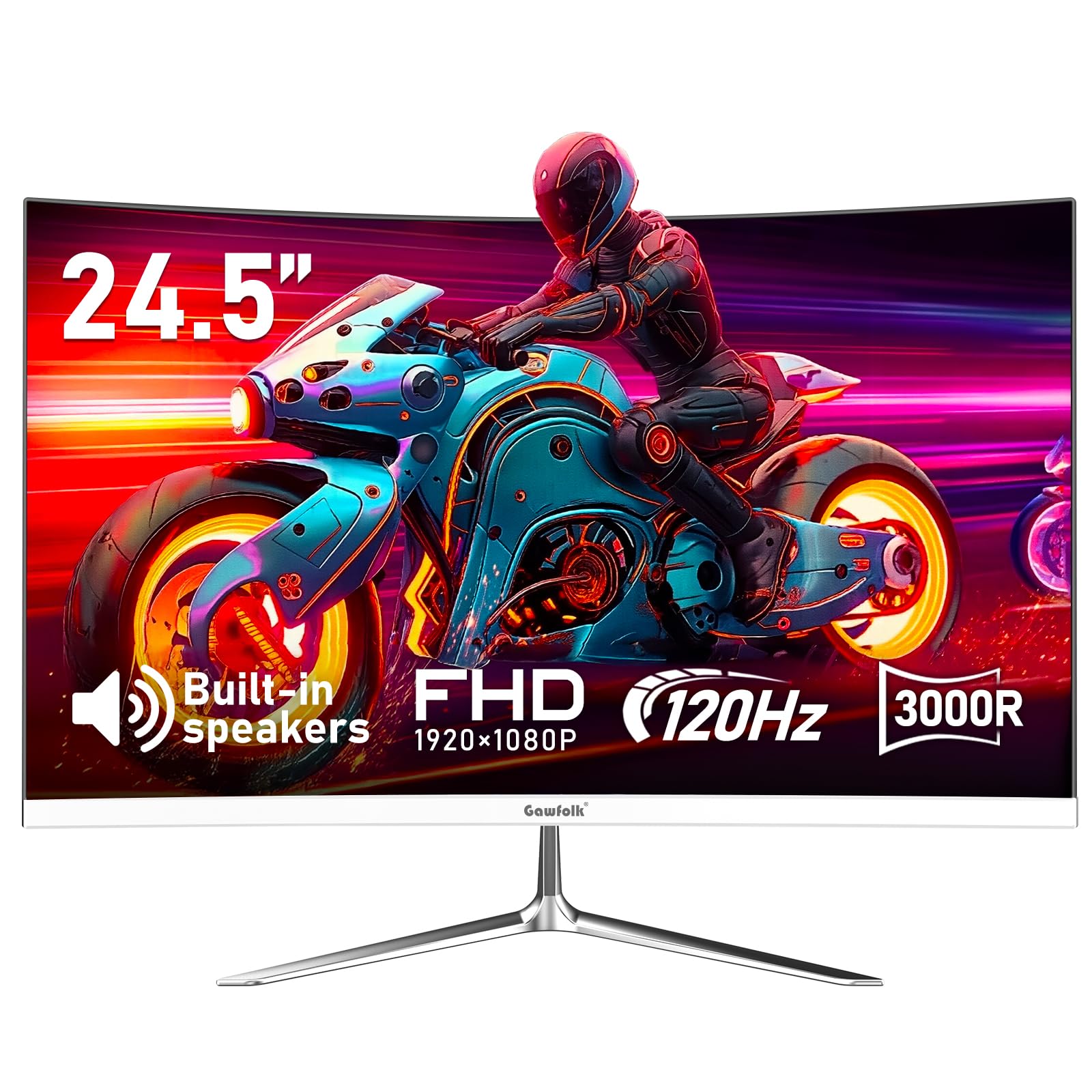
Gawfolk 24-inch Curved Gaming Monitor (120Hz, Built-in Speakers)
Gawfolk

24-inch Curved Gaming Monitor (120Hz, Built-in Speakers)

7.5
/ 10
Good

Gawfolk curved 24-inch is the budget-tier curved gaming monitor. 120Hz refresh, built-in speakers (most gaming monitors don't have these — useful for budget setups without separate audio). Curved 1500R radius. UK Amazon long-term reviews are favourable. Same Amazon-direct caveats. For first-monitor purchases or buyers who want the immersive curved aesthetic at a budget price, this is the right call.

Why we love it
  • Curved 1500R immersive
  • Built-in speakers
  • 120Hz refresh
  • Budget-tier curved
Watch out for
  • Curve aesthetic isn't to everyone's taste
  • 120Hz vs 180Hz on rivals
  • Gawfolk thin support
Size
24-inch
Resolution
1920 × 1080 (FHD)
Refresh rate
120Hz
Panel
Curved VA
Audio
Built-in speakers
09
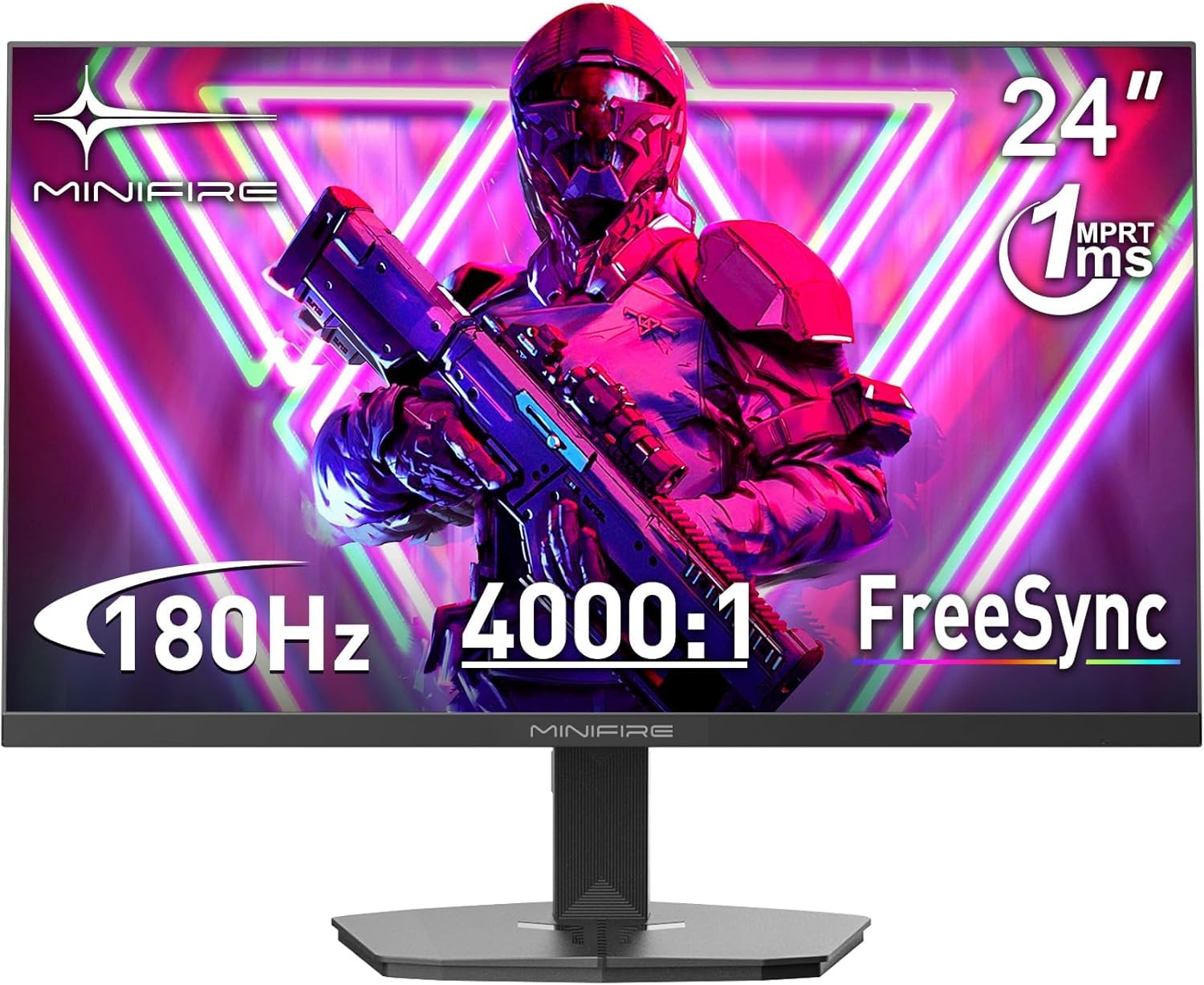
Minifire 24-inch 180Hz FHD Gaming Monitor (4000:1 Contrast)
Minifire

24-inch 180Hz FHD Gaming Monitor (4000:1 Contrast)

7
/ 10
Fair

Minifire is the absolute-budget 24-inch 180Hz gaming monitor. FHD resolution, 4000:1 contrast ratio (good for VA panels), 180Hz refresh at a meaningfully lower price than named-brand alternatives. UK Amazon reviews are favourable. Same Amazon-direct caveats — brand support thin, replacement harder long-term. For first-monitor purchases or as a secondary gaming display, this is the right call. Don't compare to named-brand mid-tier — different category.

Why we love it
  • 180Hz at budget-tier price
  • 4000:1 contrast
  • 24-inch right for desks
  • Lowest 180Hz price
Watch out for
  • Thin brand support
  • Build quality reflects budget
  • Stand basic tilt-only
Size
24-inch
Resolution
1920 × 1080 (FHD)
Refresh rate
180Hz
Contrast
4000:1
Warranty
1 year
Editor's Pick
10
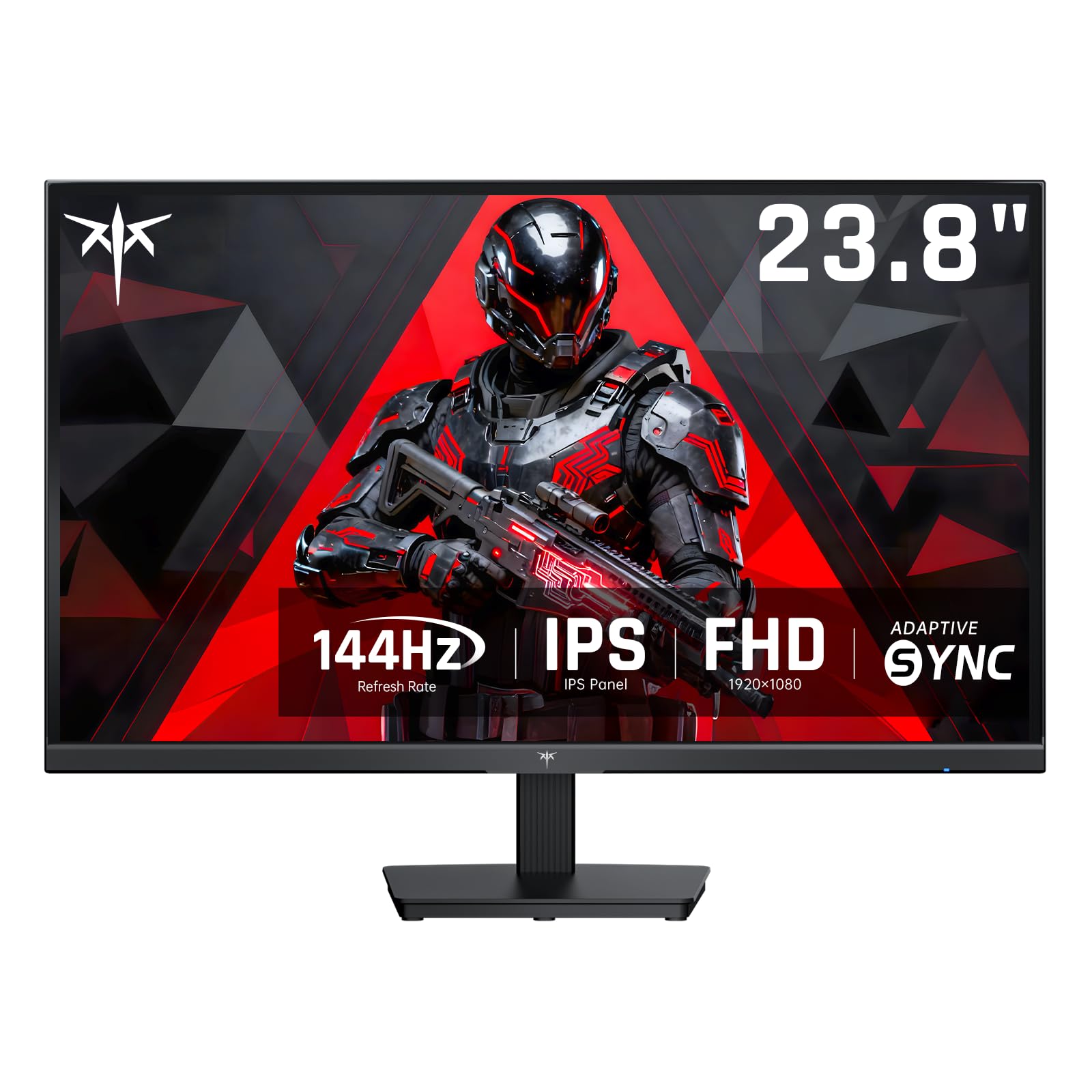
KTC FHD 144Hz IPS Gaming Monitor (120Hz alt mode)
KTC

FHD 144Hz IPS Gaming Monitor (120Hz alt mode)

6.7
/ 10
Fair

KTC is the absolute-budget gaming monitor on this list. 144Hz IPS at FHD, 120Hz alt mode for older GPUs that can't sustain 144Hz. UK Amazon long-term reviews are positive at the price tier. Same caveats. For first-monitor purchases, kids' gaming setups, or backup displays where the cost matters more than the spec sheet, this is the right call.

Why we love it
  • Lowest credible gaming monitor
  • 144Hz IPS panel
  • 120Hz fallback for older GPUs
  • Budget-tier price
Watch out for
  • KTC brand support thin
  • Build budget-tier
  • Basic stand
Size
Approx 24-27 inch
Resolution
1920 × 1080 (FHD)
Refresh rate
144Hz (120Hz alt)
Panel
IPS
Warranty
1 year
The verdict

If you only buy one gaming monitor

Reviewer consensus points to the ASUS ROG Strix OLED 27 (rank 1) for buyers who can justify the premium tier. OLED panel delivers perfect blacks (every pixel is individually lit, no backlight bleed), 240Hz refresh, sub-1ms response. RTINGS and Rock Paper Shotgun both rank ROG Strix OLED panels as the strongest gaming monitor category in 2026. For most UK gamers who can't justify OLED, the AOC Q27G4XD WQHD 180Hz (rank 2) is the credible alternative — same 27-inch class, IPS panel at 180Hz which is enough refresh for everything except top-tier competitive FPS.

At the mid-tier, the Philips 27M2N3200AM 180Hz (rank 3) is the right call for FHD-resolution gaming at 27-inch. AOC 27G15N (rank 4) is the value 180Hz alternative for buyers who want 1080p at 180Hz. Philips 24M2N (rank 5) is the smaller 23.8-inch variant for cramped desks. ASUS VY279HGR (rank 6) is the eye-care-focused 165Hz for hybrid work / gaming setups.

At the budget tier, the Samsung Odyssey G3 24 (rank 7) is the smallest premium-brand 180Hz on Amazon UK. The Gawfolk curved (rank 8), Minifire (rank 9), and KTC (rank 10) cover the entry-tier budget gaming monitors. Don't expect 240Hz OLED performance at these prices; do expect a working 180Hz panel that handles modern PC gaming cleanly.

Frequently asked

Common questions

OLED or IPS — which should I buy?
OLED if budget allows and burn-in concerns can be managed (OLED burn-in risk on static UI is real but typically manageable with screen savers and varied content). IPS for most buyers — 99% of the gaming quality at meaningfully lower cost, no burn-in concerns. For competitive FPS, both work; for cinematic / atmospheric games, OLED wins. For mixed gaming + productivity (browser tabs, IDE work, fixed taskbars), IPS is the safer call.
180Hz, 240Hz or 360Hz — does it matter?
180Hz is enough for everything except top-tier competitive FPS. 240Hz is meaningful for pro players in ranked play. 360Hz is the genuine competitive elite tier — the difference vs 240Hz is much smaller than 240Hz vs 144Hz. For casual gaming and even most ranked play, 144-180Hz is the sweet spot. Don't pay 240Hz prices unless you're at a competitive level where 5ms of input lag would actually affect your ranking.
FHD or QHD — does resolution matter for gaming?
Sort of. FHD (1080p) at 24-27 inch looks fine for gaming and demands less GPU. QHD (1440p) at 27 inch is genuinely sharper and provides more screen real estate for both gaming and productivity. For competitive FPS at high refresh, FHD's lower GPU demand lets you hit higher frame rates. For atmospheric / open-world games, QHD's extra detail matters more. Match resolution to your GPU class — RTX 4060 → FHD, RTX 4070 → QHD, RTX 4080+ → 4K possible.
Curved or flat?
Curved (Gawfolk at rank 8) is more immersive for single-monitor setups and dual-screen-replacement ultrawide use. Flat is better for productivity (straight lines for spreadsheets and code), shared viewing (multiple people at the same screen), and competitive gaming where curved edges can subtly affect aim. For most UK gaming desks, flat is the safer call unless you specifically want the immersive feel of curve.
Adaptive sync — G-Sync or FreeSync?
Both work. G-Sync (originally Nvidia) and FreeSync (originally AMD) are now broadly cross-compatible — most modern monitors support both. The benefit is screen tearing elimination at variable frame rates, useful when your GPU can't sustain the monitor's max refresh. For most modern monitors on this list, adaptive sync works regardless of brand. Don't pay a premium for explicit G-Sync 'Ultimate' certification unless you're a competitive player who'll notice the difference.
BP
About the editor

Best Products UK Editorial Team

Best Products UK is an independent UK product-review aggregator. Our editorial team synthesises hands-on reviews from leading UK consumer publications — Which?, Wired UK, T3, Tom's Guide UK, Trusted Reviews, TechRadar, Good Housekeeping, Expert Reviews, Stuff and others — into clear, ranked top-ten guides for UK shoppers. We do not run a physical test lab. We tell you which products UK reviewers agree on, where they disagree, and which the data says is right for your budget. Our methodology is published openly at /about/#methodology.