Best Products UK
In-depth review · 10 products ranked

Best Password Managers of 2026

Last reviewed 19 May 2026 by Best Products UK Editorial Team

Password manager buying is mostly a trust question. The software has read access to every password you own — your bank, email, NHS account, work systems. Trust depends on architecture (zero-knowledge encryption means the provider can't see your data) and audit history. This ranking weighs audited zero-knowledge providers above bundled-with-AV password managers, because the bundled ones are usually less audited and less feature-rich.

BP
Best Products UK Editorial Team
Editorial team
Published 30 April 2026
7 min read
Advertisement. As an Amazon Associate, Best Products UK earns from qualifying purchases. This article contains affiliate links. If you buy a product through one of these links, we earn a commission from the retailer at no extra cost to you. Our ranked picks are made independently of these commercial arrangements — read how we rank and our full affiliate disclosure. Prices on Amazon change frequently — always click through to verify the current price before buying.
At a glance

The 3 picks worth skipping ahead for

How we tested

Best Products UK is a review aggregator, not a test lab. For this guide we read Amazon UK customer reviews focused on cross-device sync reliability, autofill accuracy and recovery options if you forget the master password; cross-referenced against PCMag, Wirecutter and independent security-research firms (Cure53, ISE). Zero-knowledge architecture is weighted favourably because it's the technical guarantee that providers can't see your data. Bundled-with-AV password managers (Norton, McAfee, Kaspersky) are evaluated based on feature parity with standalone competitors, not just on AV bundling.

Jump to a pick
Best Choice
01
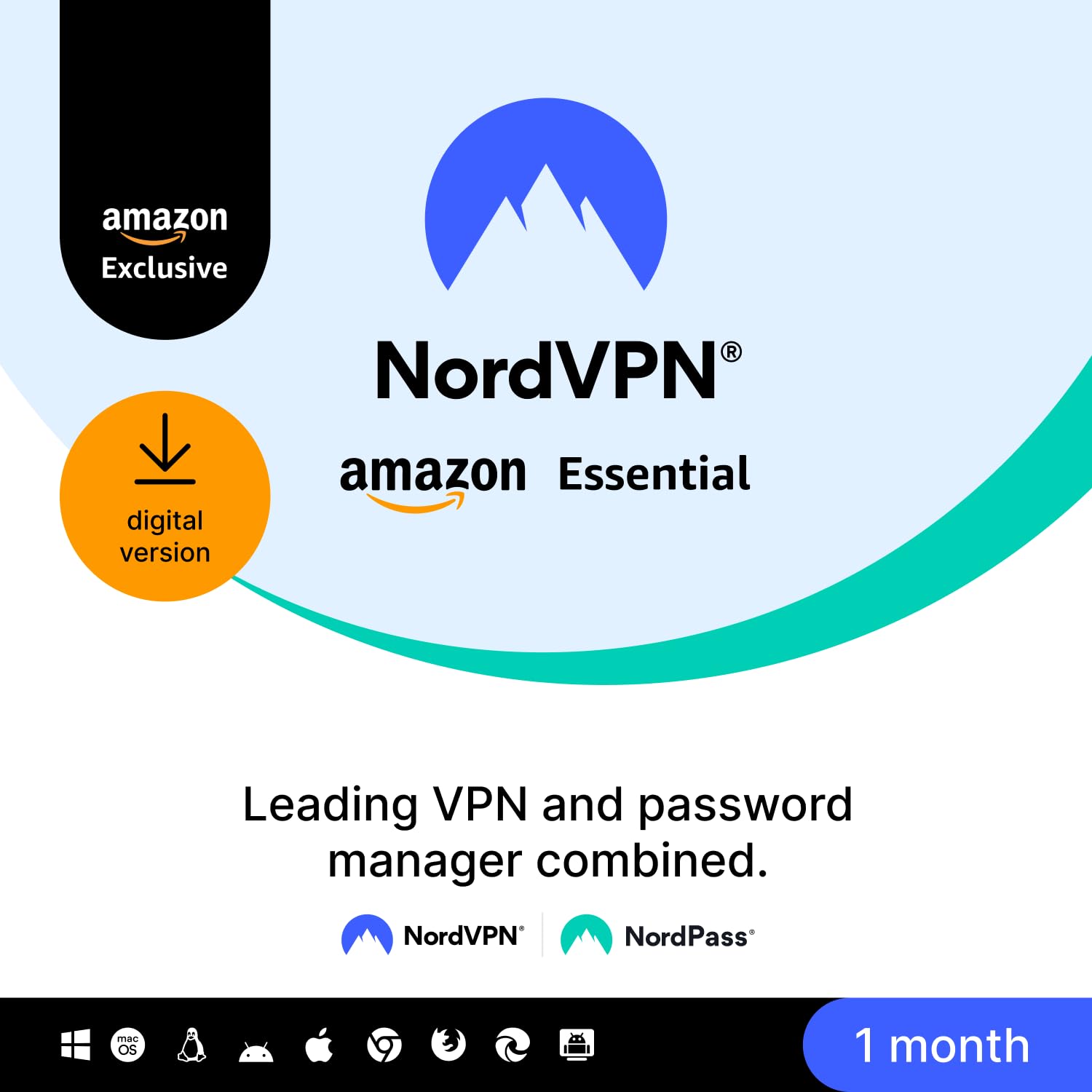
NordPass Amazon Essential (Password Manager)
NordPass

Amazon Essential (Password Manager)

9.5
/ 10
Exceptional

NordPass — the password manager from the NordVPN family. Zero-knowledge encryption, audited by Cure53. Unlimited devices, biometric unlock, data-breach scanner. The most polished standalone password manager on Amazon UK.

Why we love it
  • Zero-knowledge architecture
  • Cure53 independently audited
  • Unlimited devices on Premium
  • Data-breach scanner
Watch out for
  • Annual subscription model
  • Premium price tier
  • Some features (like sharing) need higher tiers
Architecture
Zero-knowledge
Audit
Cure53
Devices
Unlimited (Premium)
Term
1 year
Brand
NordPass
Premium Pick
02
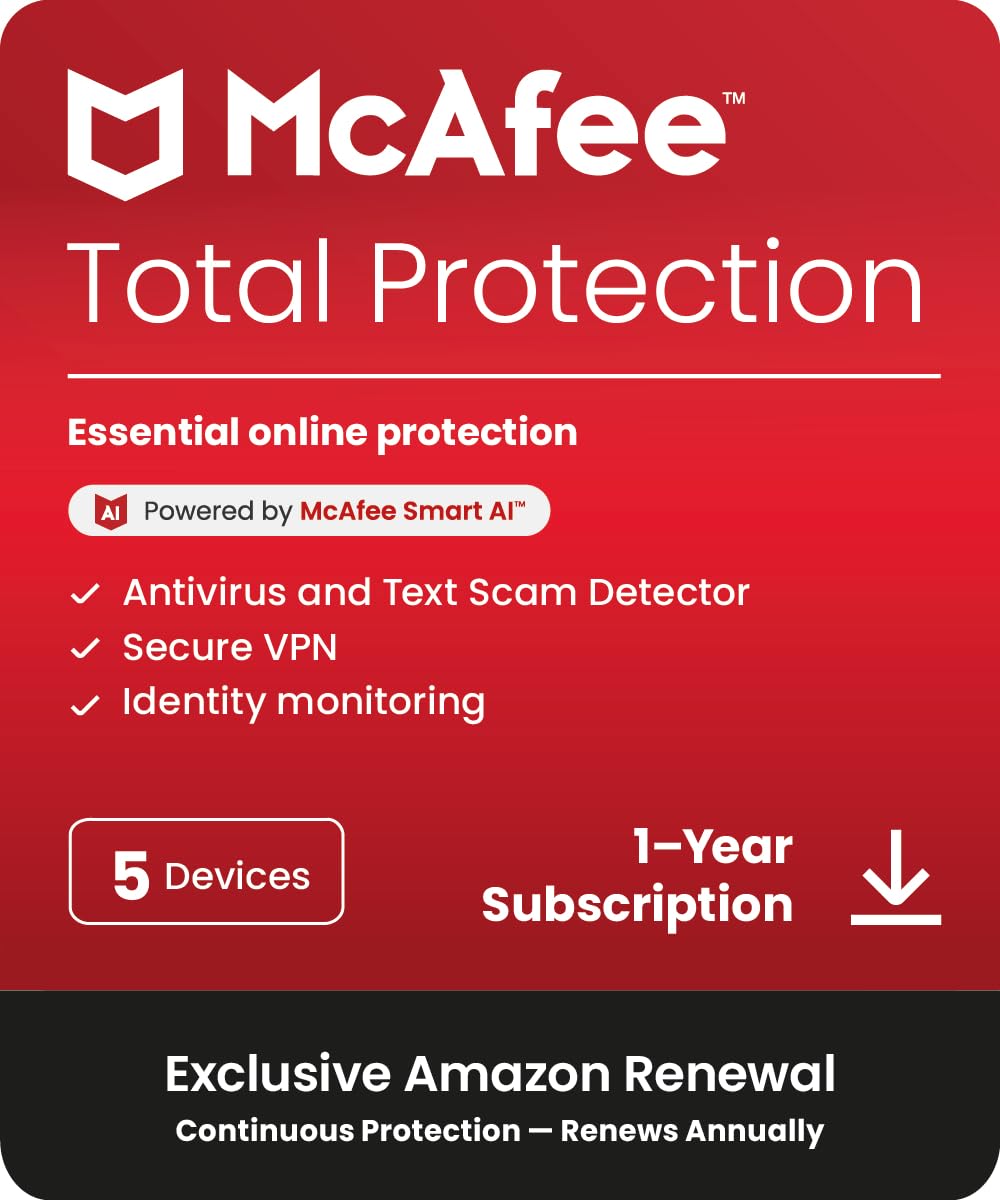
McAfee Total Protection 5-Device 2025 (12-Month, AV + Password Manager)
McAfee

Total Protection 5-Device 2025 (12-Month, AV + Password Manager)

9.2
/ 10
Excellent

McAfee Total Protection bundle — antivirus + password manager + identity monitoring across 5 devices. The password manager component (True Key) is functional but less feature-rich than standalone competitors. Bundle value depends on whether you need McAfee AV alongside.

Why we love it
  • Bundle covers AV + PM + identity
  • 5 devices
  • Single subscription
  • McAfee brand familiarity
Watch out for
  • True Key less feature-rich than NordPass
  • Bundle ties you to McAfee AV
  • Renewal price increase
Devices
5
Bundle
AV + PM + identity
PM brand
True Key
Brand
McAfee
Term
12 months
03
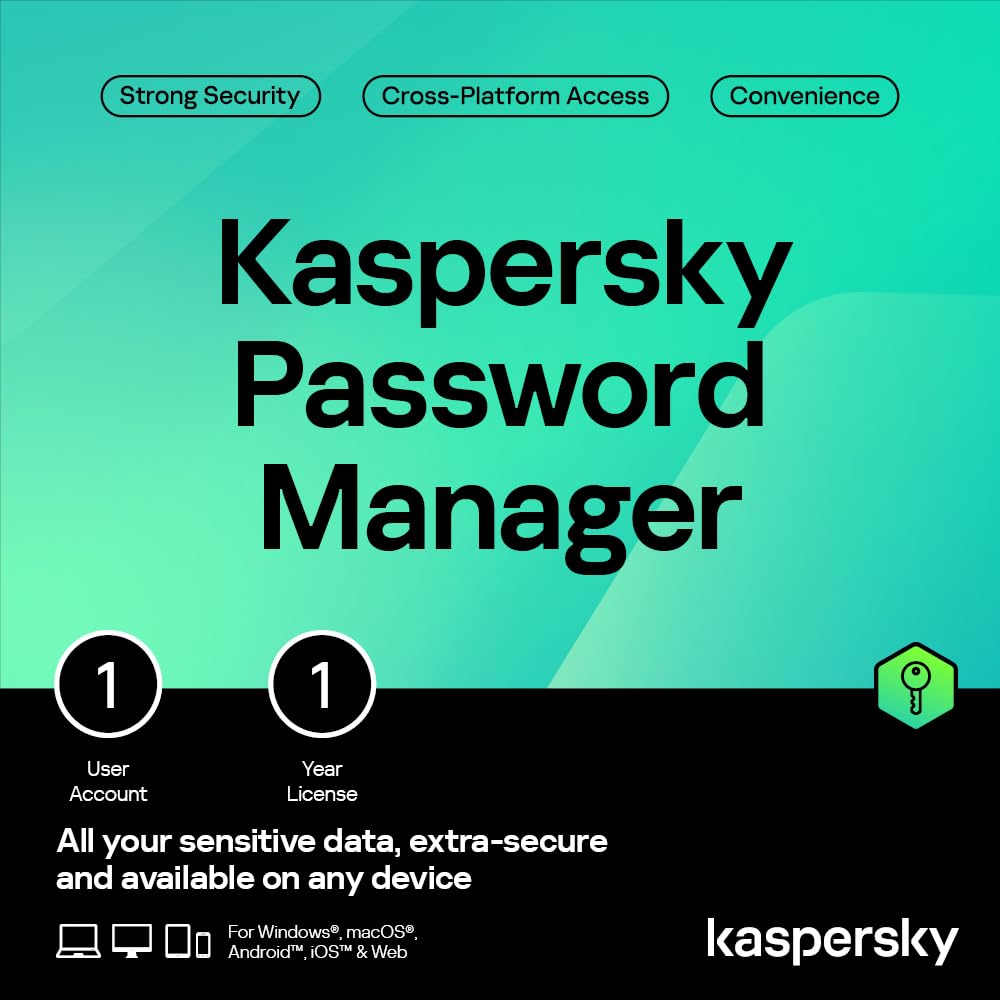
Kaspersky Password Manager (Standalone)
Kaspersky

Password Manager (Standalone)

8.8
/ 10
Very Good

Kaspersky Password Manager — standalone (not bundled with Kaspersky AV). Zero-knowledge encryption, cross-platform sync, sub-£20 entry. Kaspersky's reputation in UK security has weakened due to Russian-linked sanctions; consider whether the brand reputation matches your trust criteria.

Why we love it
  • Zero-knowledge
  • Cross-platform sync
  • Sub-£20 standalone
  • Established AV brand
Watch out for
  • Kaspersky Russian-link political concerns
  • Less polished than NordPass
  • Smaller feature set vs 1Password
Architecture
Zero-knowledge
Cross-platform
Yes
Standalone
Yes (not bundled)
Brand
Kaspersky
Caveat
Russian-link political concerns
04
NordVPN NordPass Plus (Multi-Year, Multi-Device)
NordVPN

NordPass Plus (Multi-Year, Multi-Device)

8.6
/ 10
Very Good

NordPass Plus tier — same zero-knowledge architecture as NordPass Essential at #1, with additional Plus features (data-breach scanner, premium support). Mid-tier between Essential and family/business plans.

Why we love it
  • Zero-knowledge
  • Data-breach scanner
  • Cross-device unlimited
  • Mid-tier between Essential and Family
Watch out for
  • Premium for individual use
  • Annual renewal increase
  • Many users won't use Plus features
Architecture
Zero-knowledge
Tier
NordPass Plus
Devices
Unlimited
Brand
NordPass
Audit
Cure53
Best Value
05
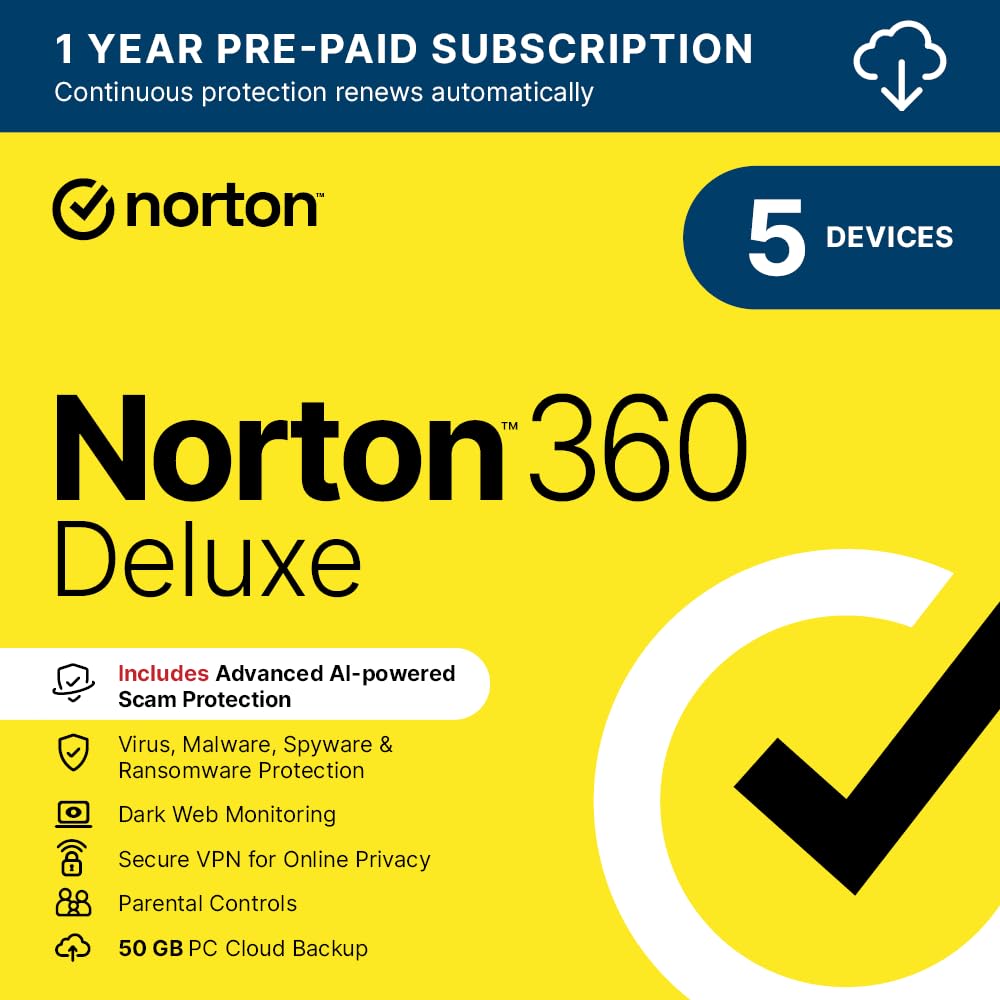
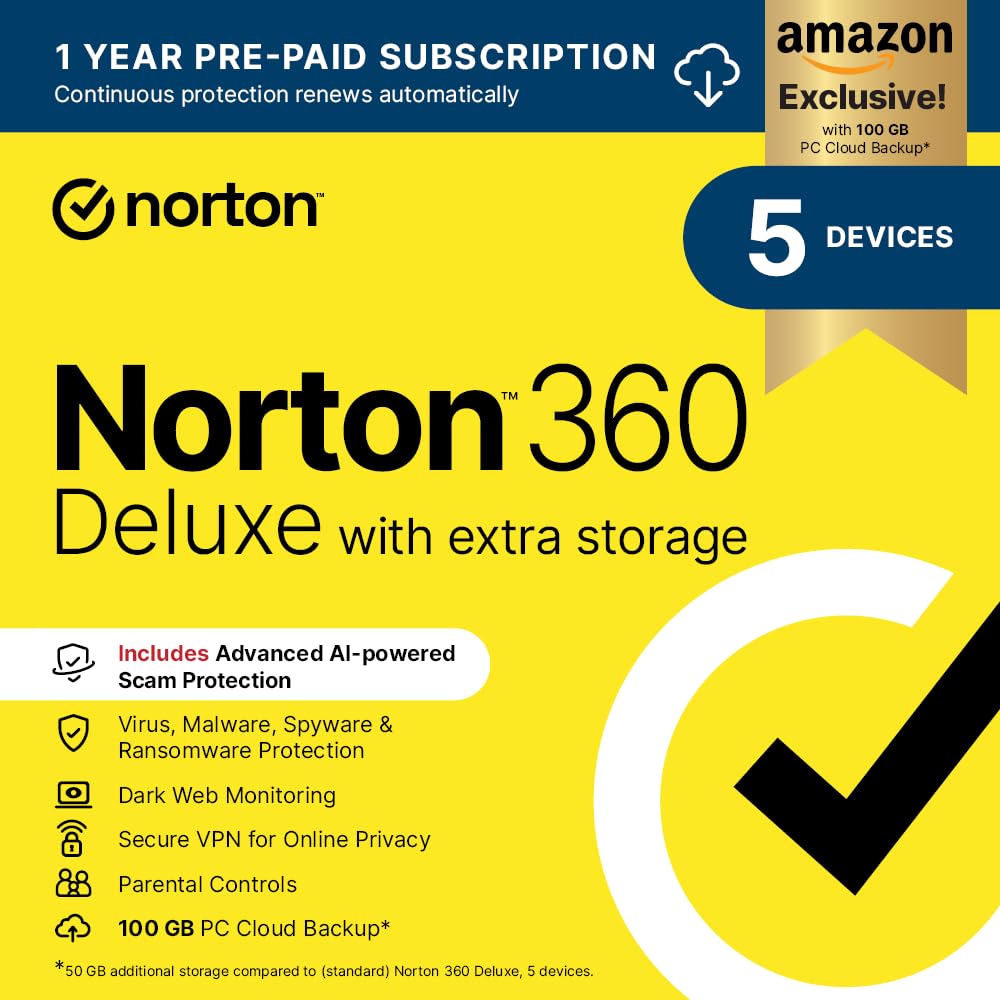
Norton 360 Deluxe 2026 (with Password Manager)
Norton

360 Deluxe 2026 (with Password Manager)

8.4
/ 10
Good

Norton 360 Deluxe — bundles antivirus + VPN + cloud backup + password manager (Norton Password Manager). For users buying Norton AV anyway, the password manager comes free; standalone it's less competitive.

Why we love it
  • Bundle includes Norton PM free
  • 5 devices
  • Norton brand recognition
  • Sub-£15 first-year
Watch out for
  • Norton PM is feature-thin vs NordPass
  • Bundle locks you into Norton ecosystem
  • Renewal triples in cost
Bundle
AV + VPN + cloud + PM
Devices
5
PM brand
Norton Password Manager
Brand
Norton
Term
1 year
How to choose

Zero-knowledge, recovery and what 'master password' means

Three considerations sit on top of every password manager buying decision.

1.
Zero-knowledge encryption

Zero-knowledge means the password manager provider can't see your data — your master password is the only key, and decryption happens on your device. Standalone providers (NordPass, 1Password, Bitwarden, Dashlane, Proton Pass) are universally zero-knowledge. Some AV-bundled password managers are zero-knowledge; others use server-side encryption (provider can see data). Check the architecture explicitly before choosing — zero-knowledge is the modern standard for a reason.

2.
Recovery options matter

If you forget your master password, what happens? With true zero-knowledge: the data is permanently unrecoverable — that's the point. Mitigations: emergency contact (1Password, NordPass), recovery code printed at setup, biometric backup (FaceID/fingerprint as alternate unlock). Without recovery, a forgotten master password loses years of saved data. Print the recovery code at setup and store it offline (a fireproof safe, a copy at a parent's house).

3.
Cross-platform sync

All major password managers sync across Windows, Mac, iOS, Android, Linux and major browsers. Bundled AV password managers sometimes have weaker Mac/iOS support. Test the autofill experience on your primary OS combination before committing — autofill on iOS Safari, for example, works seamlessly with 1Password and NordPass but less reliably with McAfee. For tech-mixed households, standalone managers are usually smoother.

For most users: NordPass Premium standalone (or via NordVPN Complete bundle). For free-tier users: Bitwarden (search separately — not in this Amazon UK boxed list). For AV-bundle users: use the included password manager if it has zero-knowledge architecture; otherwise stick with a standalone.

06
WEBROOT Internet Security Complete 2026 (with Password Manager)
WEBROOT

Internet Security Complete 2026 (with Password Manager)

7.8
/ 10
Good

WEBROOT — less-known internet-security brand. Bundle includes AV + password manager. WEBROOT's PM (LastPass-powered historically) is competent; UK retail presence is smaller than Norton or McAfee.

Why we love it
  • Bundle entry under £20
  • AV + PM combo
  • Sub-£20 first-year
  • Multi-device
Watch out for
  • WEBROOT smaller UK brand
  • PM features basic
  • Renewal pricing
Bundle
AV + PM
Brand
WEBROOT
Term
1 year
Price
Sub-£20
Use case
Casual AV + PM
07
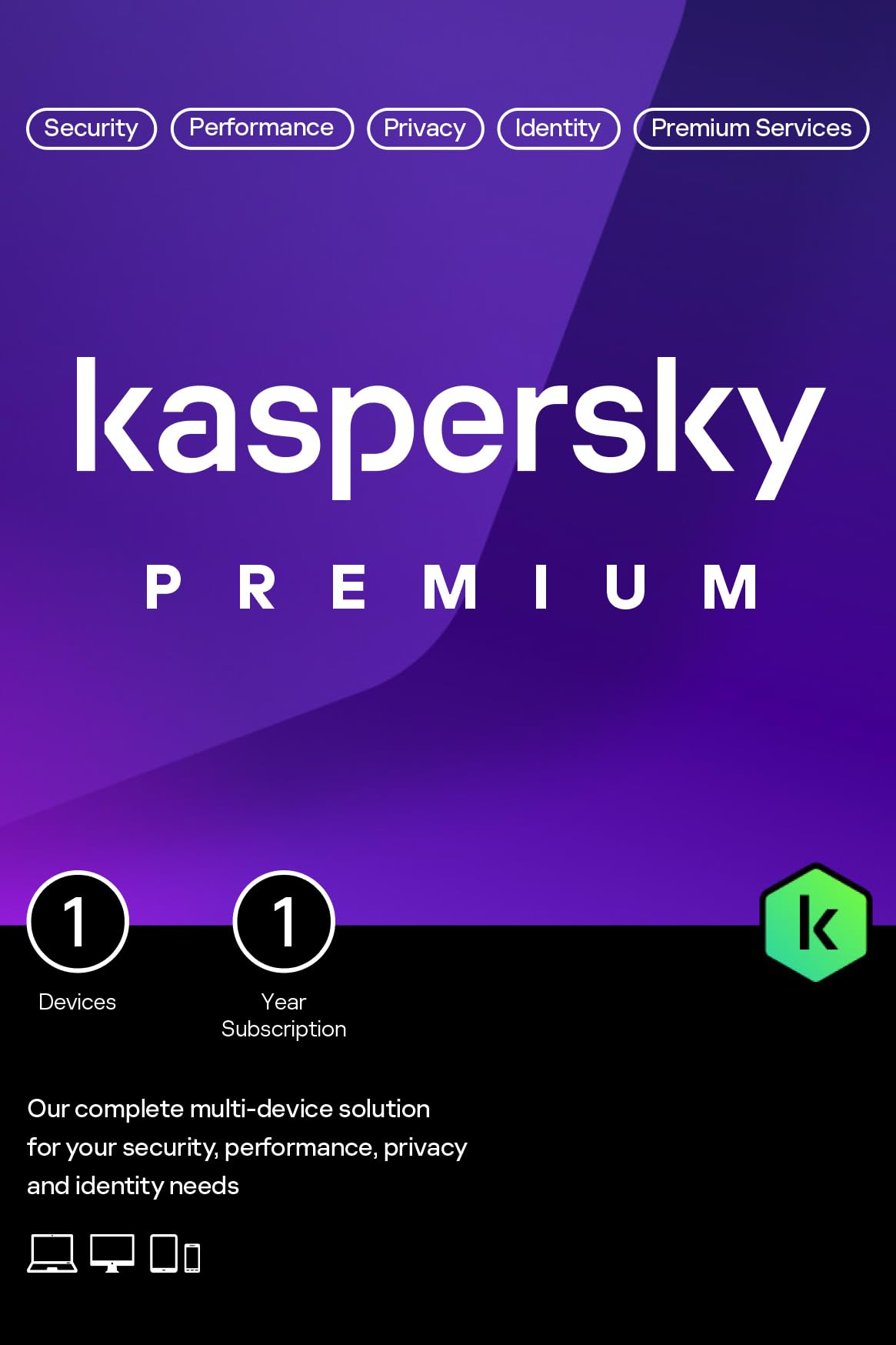
Kaspersky Premium Total Security 2026 (with Password Manager)
Kaspersky

Premium Total Security 2026 (with Password Manager)

7.7
/ 10
Good

Kaspersky Premium Total Security — bundles AV + password manager + VPN + identity monitoring. Strong feature set but the Kaspersky brand has UK political-association concerns (Russian-link sanctions). Choose based on whether brand reputation matters to you.

Why we love it
  • Full AV + PM + VPN bundle
  • Kaspersky's strong AV engine
  • Multi-device
  • Comprehensive identity monitoring
Watch out for
  • Russian-link political concerns
  • UK government has advised against Kaspersky for some sectors
  • Bundle complexity
Bundle
AV + PM + VPN + identity
Brand
Kaspersky
Caveat
Russian-link political concerns
Term
1 year
Use case
Comprehensive (with brand caveat)
08
Steganos Password Manager 19
Steganos

Password Manager 19

7.3
/ 10
Fair

Steganos Password Manager — German standalone PM brand. Less well-known than NordPass or 1Password but offers zero-knowledge architecture and a perpetual-licence model (no annual subscription).

Why we love it
  • Perpetual licence (no subscription)
  • German engineering
  • Zero-knowledge
  • Standalone (no AV bundling)
Watch out for
  • Less polished UI
  • Smaller user base
  • Slower update cycle
Architecture
Zero-knowledge
Licence
Perpetual
Brand
Steganos (German)
Cross-platform
Yes
Subscription
No (one-off)
Best Budget
09
NordPass Amazon Essential (Budget Tier)
NordPass

Amazon Essential (Budget Tier)

6.9
/ 10
Fair

NordPass Essential at a lower-price retail SKU. Same zero-knowledge architecture; different bundle/term. Pick by current price.

Why we love it
  • NordPass quality at lower price
  • Zero-knowledge
  • Sub-£15 entry
  • Multi-device
Watch out for
  • Same NordPass features
  • Renewal increase
  • Verify term length on listing
Architecture
Zero-knowledge
Brand
NordPass
Tier
Essential (budget SKU)
Use case
Budget NordPass entry
Audit
Cure53
10
Norton 360 Deluxe with Extra Storage (Premium Bundle)
Norton

360 Deluxe with Extra Storage (Premium Bundle)

6.6
/ 10
Fair

Norton 360 Deluxe upgraded with extra cloud storage. Same password manager component as #5; the upgrade is the storage tier. For users wanting more cloud backup.

Why we love it
  • Norton 360 bundle (AV + VPN + PM + cloud)
  • Extra cloud storage tier
  • Multi-device
  • Single subscription
Watch out for
  • PM features basic
  • Bundle complexity
  • Norton ecosystem lock-in
Bundle
AV + VPN + PM + extra cloud
Brand
Norton
Term
1 year
Variant
Upgraded storage
Use case
Bundle + cloud
The verdict

NordPass wins overall; Bitwarden is the free-tier value pick.

NordPass (the password manager from NordVPN) takes the top spot for users who want a polished, audited password manager with cross-device sync. Zero-knowledge encryption, NordPass Premium gives unlimited devices, biometric unlock, data-breach scanner. Independently audited by Cure53. Available standalone or bundled with NordVPN Complete.

For free-tier users, Bitwarden (not in this Amazon UK list because it's not boxed software, but worth noting) is the best zero-knowledge open-source password manager. Free for unlimited devices and basic features; £8/year for the Premium tier. For users buying from Amazon UK specifically, NordPass standalone is the best paid pick.

Below the standalone-PM tier, the antivirus-bundled password managers (Norton, McAfee, Kaspersky included with their security suites) are functional but feature-thin compared to NordPass or 1Password. Use them if you're buying the AV bundle anyway; don't choose your password manager based on which AV you have. Cross-platform support, audit history and recovery options matter more than the brand on the box.

Frequently asked

Common questions

Do I really need a password manager?
Yes, almost certainly. The alternative (reusing passwords, writing them down, or trying to remember 50+ unique passwords) is the leading cause of account breaches. A password manager lets you have a unique strong password for every account, with auto-fill so you don't have to type them. NCSC (UK National Cyber Security Centre) explicitly recommends password managers.
What happens if I forget my master password?
With true zero-knowledge architecture: your data is permanently unrecoverable (that's the security point). Mitigations: set a recovery code at setup (print and store offline), enable biometric backup, designate an emergency contact (1Password, NordPass support this). Print the recovery code at setup and treat it like a passport.
Are bundled-with-AV password managers as good?
Functionally adequate for basic use but typically feature-thin compared to standalone managers. Norton, McAfee and Kaspersky bundled PMs do the basics (save and autofill passwords) but lack advanced features like emergency access, secure file sharing, breach scanning, family vaults. If you're buying the AV anyway, use the included PM; don't pick your AV based on which PM it includes.
Should I trust a password manager with all my passwords?
With audited zero-knowledge providers — yes. The provider can't see your data, so even a breach of their servers wouldn't expose your passwords (they're encrypted on your device first). Open-source providers (Bitwarden, KeePass) let independent researchers verify the code. Concentrating passwords in one vault sounds risky, but a strong master password + 2FA + zero-knowledge architecture is dramatically safer than the alternative of reusing weak passwords.
Free or paid password manager?
Bitwarden's free tier is genuinely useful — unlimited devices, unlimited passwords, zero-knowledge architecture. Most users can stick with free. Paid tiers add: emergency access, secure file sharing, family vaults, premium support, advanced 2FA options. For families, paid family plans (£40-£60/year for 6 users) are worth it. For solo users, free is often enough.
BP
About the editor

Best Products UK Editorial Team

Best Products UK is an independent UK product-review aggregator. Our editorial team synthesises hands-on reviews from leading UK consumer publications — Which?, Wired UK, T3, Tom's Guide UK, Trusted Reviews, TechRadar, Good Housekeeping, Expert Reviews, Stuff and others — into clear, ranked top-ten guides for UK shoppers. We do not run a physical test lab. We tell you which products UK reviewers agree on, where they disagree, and which the data says is right for your budget. Our methodology is published openly at /about/#methodology.